
Insider Stories
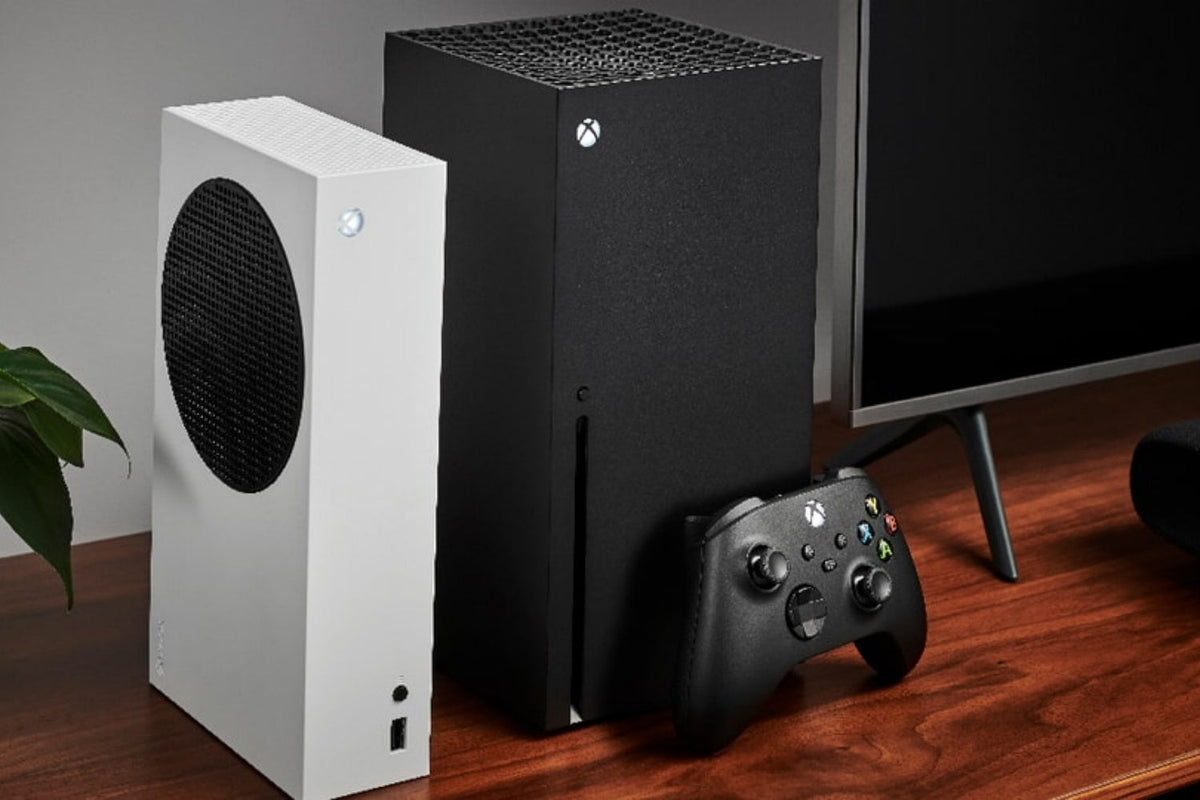
How to Connect a Keyboard and Mouse to Xbox: 2 Easy Ways
Connect a keyboard and mouse to Xbox using wired USB or 2.4 GHz receivers, then test settings, check game support, and fix common connection problems.
Read moreabout How to Connect a Keyboard and Mouse to Xbox: 2 Easy Ways
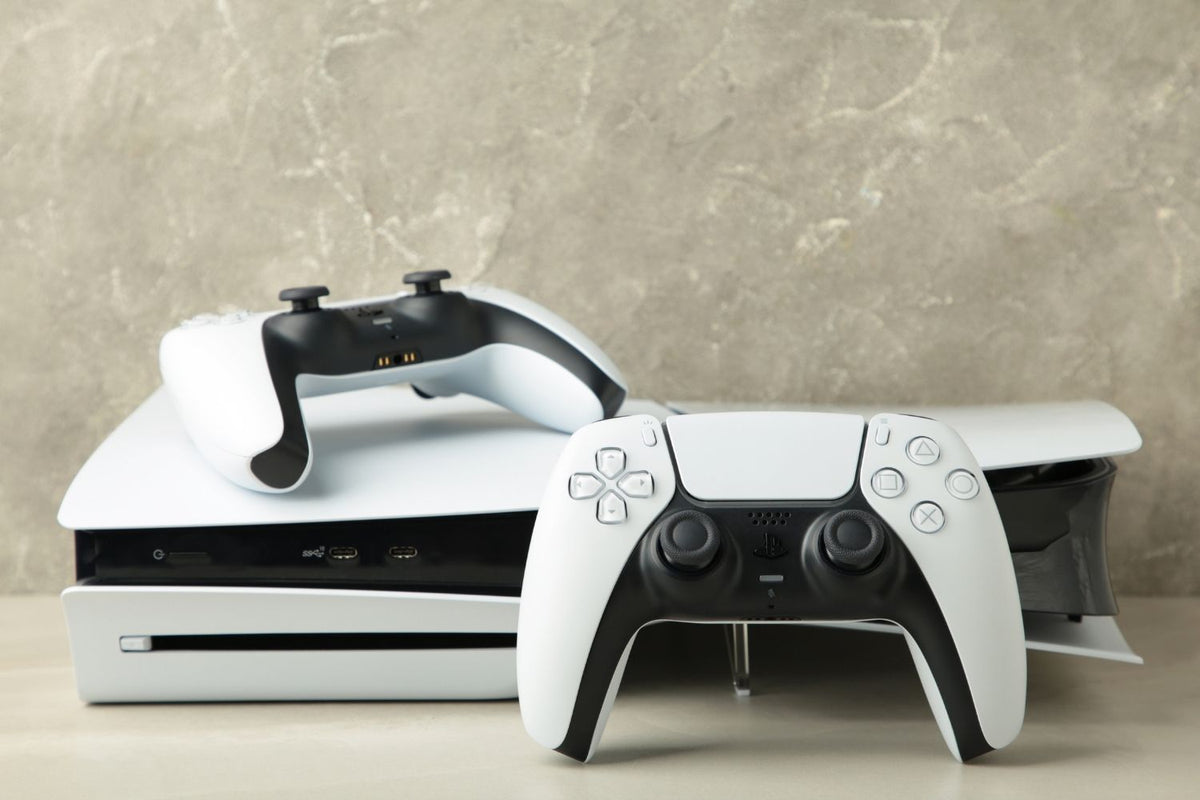
How to Connect a Keyboard and Mouse to PS5: 3 Easy Ways
Connect a keyboard and mouse to PS5 through USB, a wireless receiver, or Bluetooth, then adjust settings and confirm that your game supports them.
Read moreabout How to Connect a Keyboard and Mouse to PS5: 3 Easy Ways
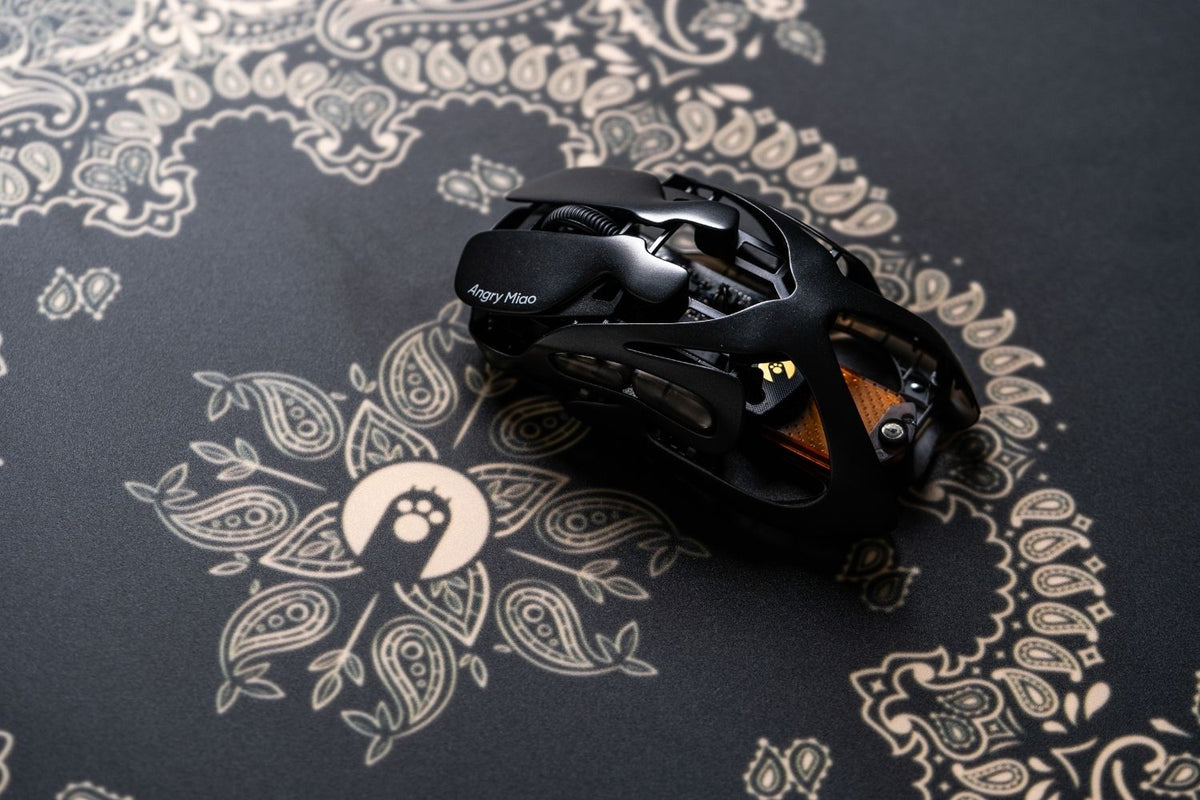
7 Best Budget Gaming Mouse in 2026 by Price and Use
Logitech G305, AM Infinity Mouse, Razer Cobra, and Aerox 3 Wireless lead our budget gaming mouse picks across three price tiers in 2026.
Read moreabout 7 Best Budget Gaming Mouse in 2026 by Price and Use
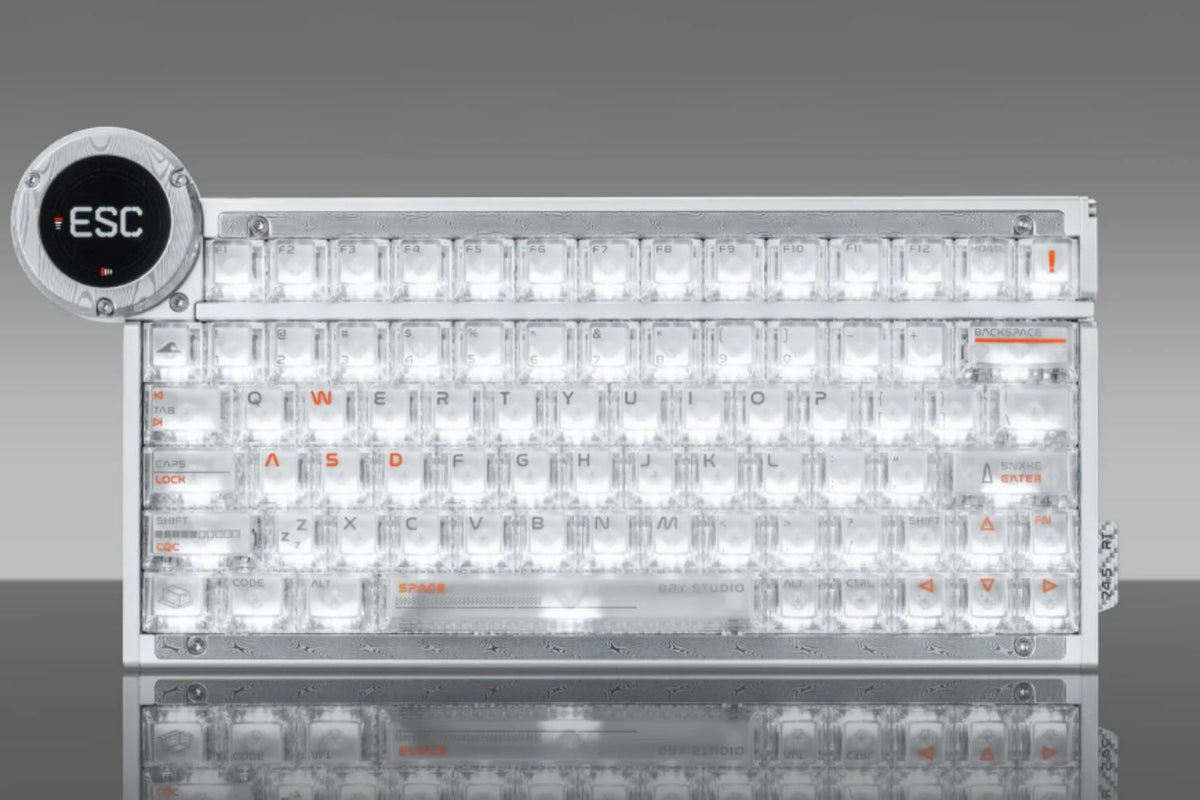
8 Best RGB Keyboards in 2026 for Every Gamer
Corsair K100 is best for RGB control, while AM Relic 80 and Black Diamond 75 V2 suit collector and gaming setups with standout lighting across budgets.
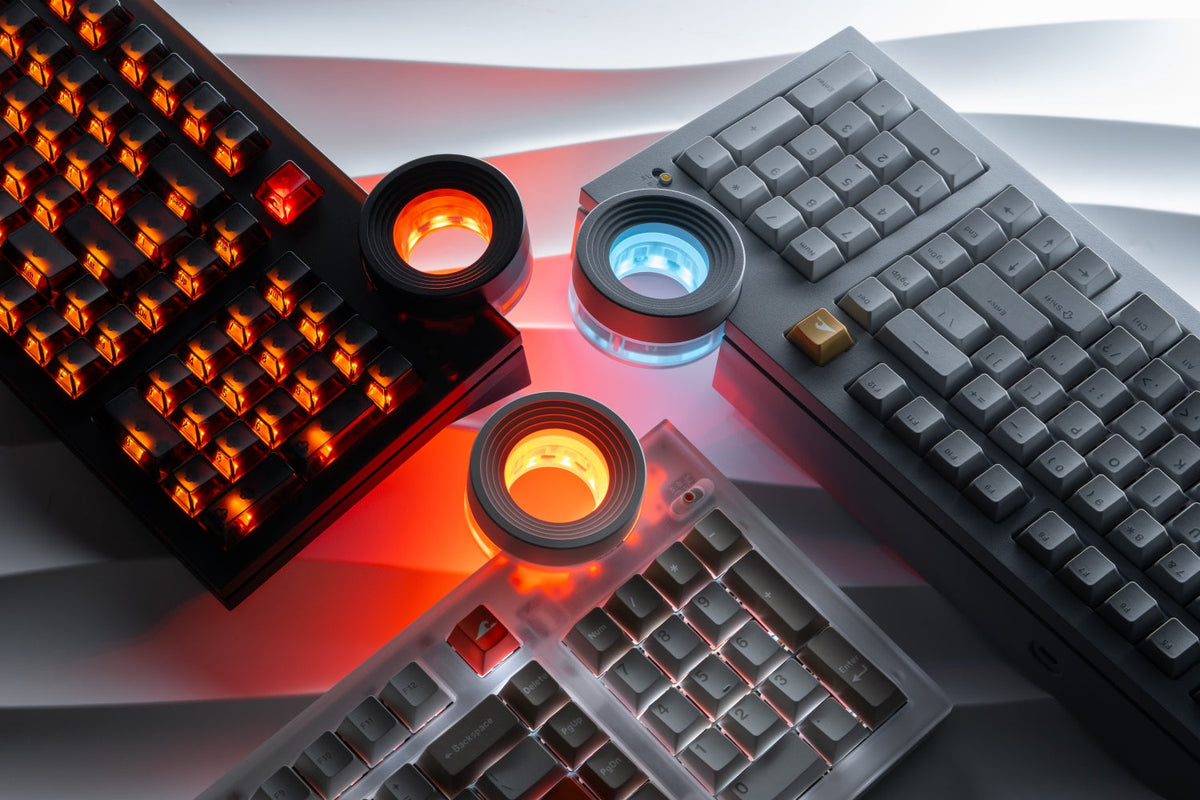
QWERTZ vs QWERTY vs AZERTY Key Differences
QWERTY is best for most English users, while QWERTZ suits German-speaking regions and AZERTY suits French users. Learn the key layout differences.

5 Best Fast Charging Cables for iPhone 18 Pro and Pro Max
Top iPhone 18 Pro cables include AM SLANTCABLE, Apple 60W USB-C, Anker 310, Cable Matters 10Gbps, and UGREEN Nexode for fast charging and everyday use.
Read moreabout 5 Best Fast Charging Cables for iPhone 18 Pro and Pro Max

6 Best iPhone 18 Pro Cases in 2026: Diverse styles
The best iPhone 18 Pro cases include AM Emptiness, Apple Clear, Spigen, ESR, TORRAS, and OtterBox picks for color, MagSafe, stands, and daily drops.
Read moreabout 6 Best iPhone 18 Pro Cases in 2026: Diverse styles
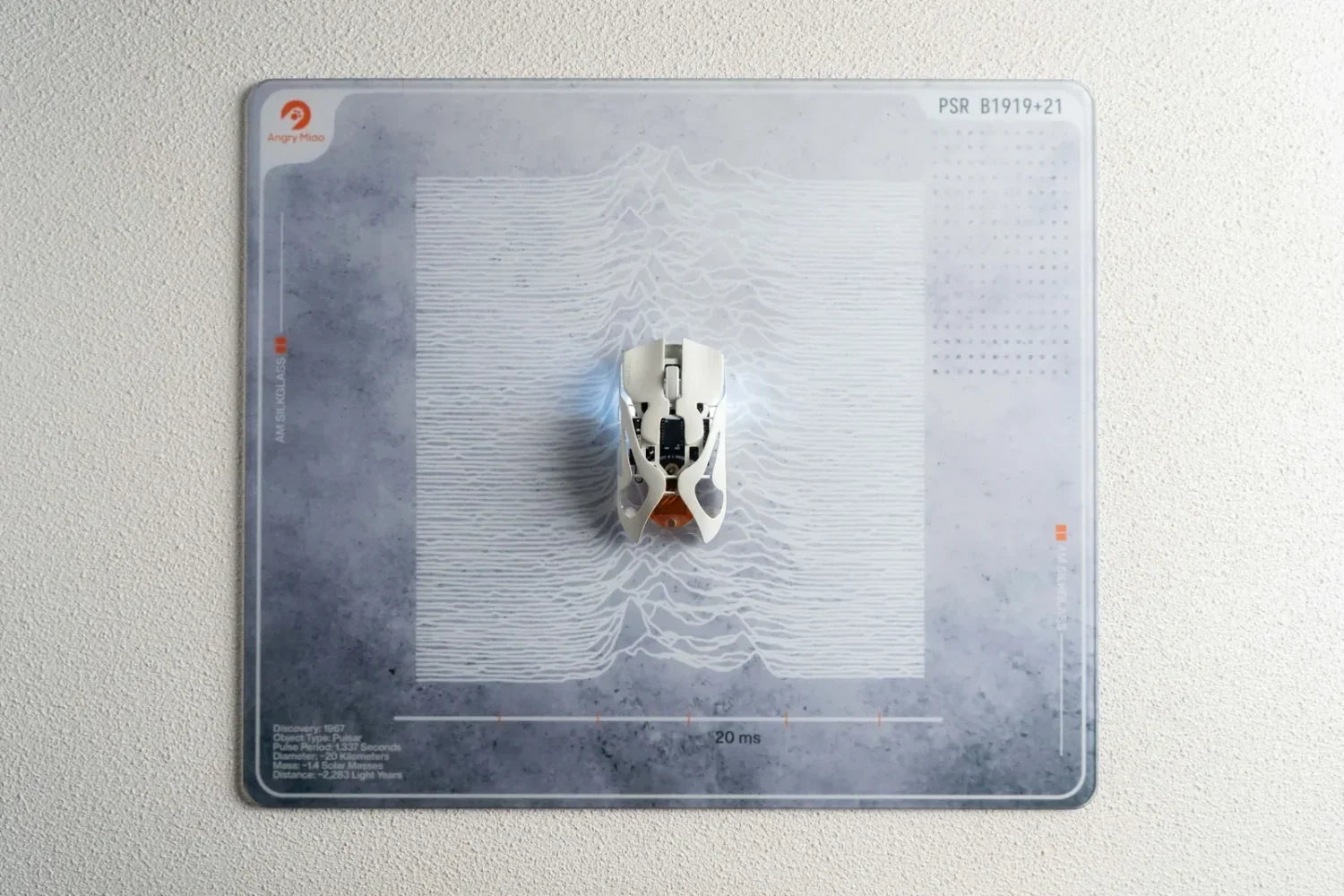
Mouse Pad Materials Explained: Which Is Best for You?
Compare cloth, glass, plastic, aluminum, and hybrid mouse pad materials to choose the right overall balance of speed, control, comfort, and durability.
Read moreabout Mouse Pad Materials Explained: Which Is Best for You?
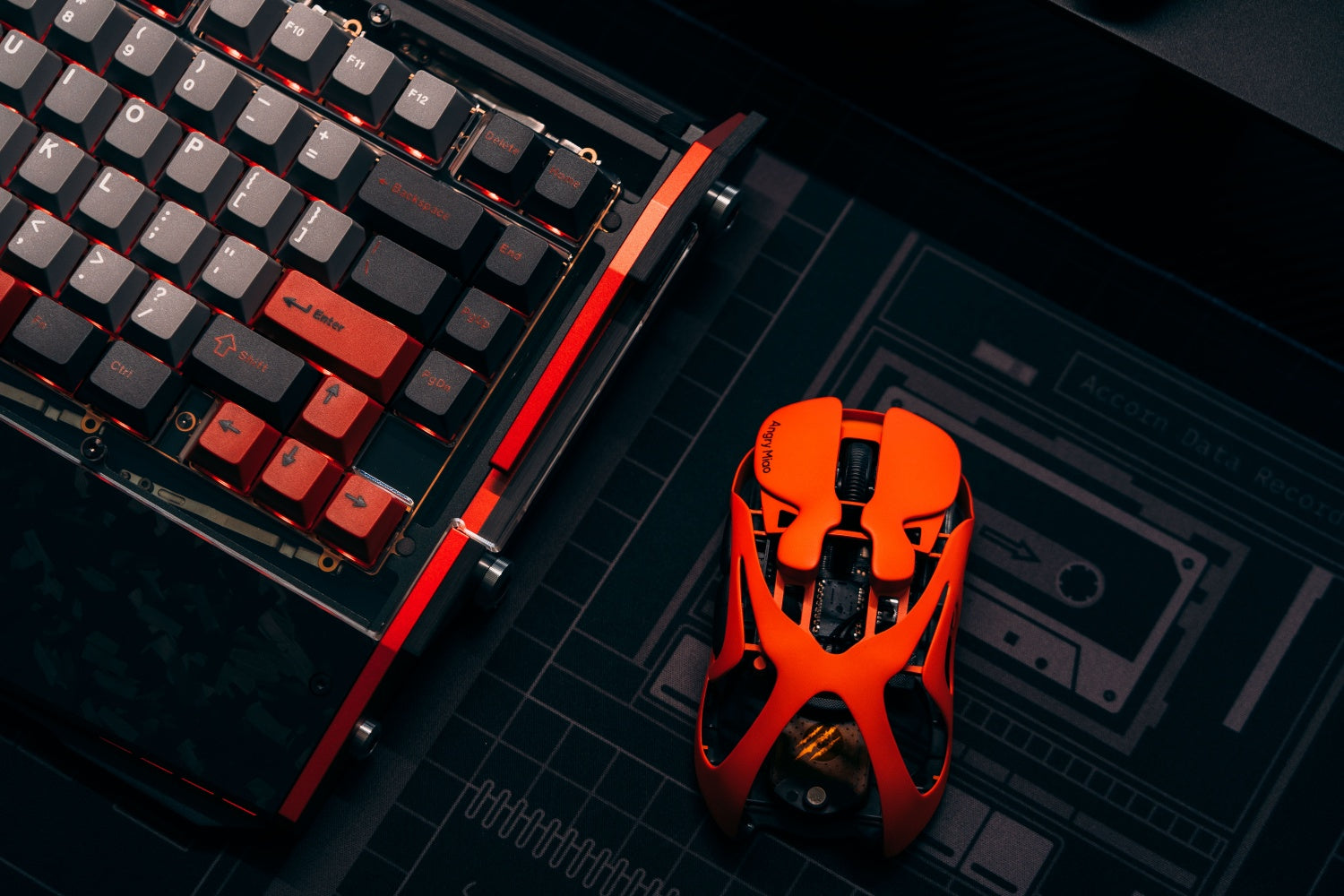
How to Fix Mouse Double Clicking: Causes and Solutions
Fix mouse double clicking by checking settings, drivers, wireless power, dirt, debounce, and switch wear, then decide whether repair or replacement works.
Read moreabout How to Fix Mouse Double Clicking: Causes and Solutions