
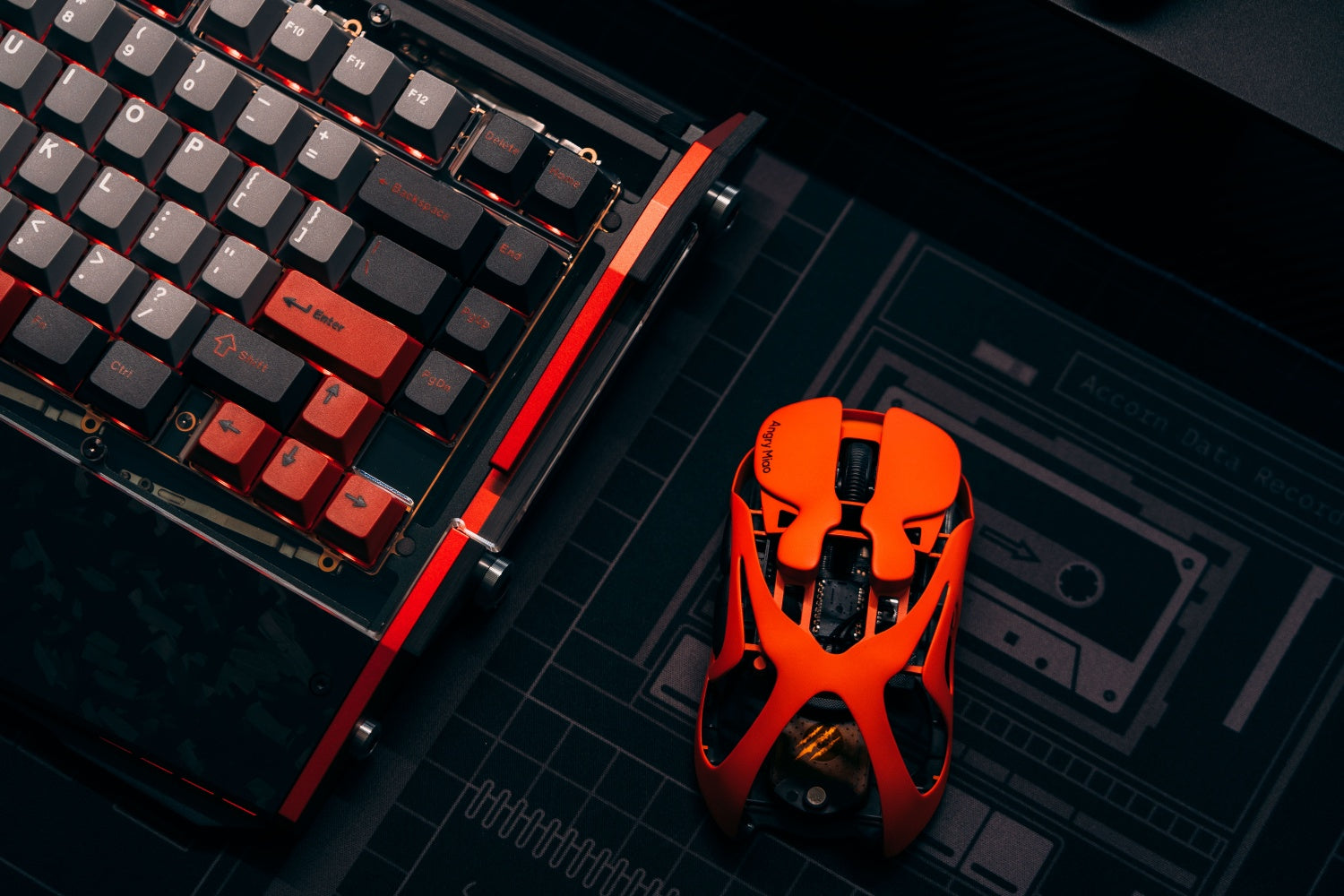
To fix mouse double clicking, confirm that one press produces two inputs. Then check system settings, reconnect the mouse, update its software, clean the button area, and test debounce options. If the fault follows the mouse to another computer, the switch probably needs repair or replacement.
Why Is Your Mouse Double Clicking After One Press?
Unwanted double clicking means the computer receives two click signals even though you press the button once. It may open files unexpectedly, break click-and-drag actions, highlight text, or trigger an extra shot or command in a game.
Mechanical Switch Bounce
Most mouse buttons sit above a small switch. As its spring or contacts wear, the signal can “bounce,” producing two inputs from one press. Dust around the button can also prevent a clean release. The fault often starts occasionally and becomes more frequent. Choosing a well-built computer mouse can improve durability, but test the hardware before assuming the switch has failed.
Settings, Software, and Connection Problems
Not every apparent double click comes from a damaged switch. System settings, corrupted drivers, old firmware, low battery power, or an unstable wireless connection can produce similar behavior. They are safer to check before hardware repair.
How Can You Confirm the Mouse Double-Click Problem?
Before changing settings, make sure the problem is repeatable and tied to the mouse. A single unexpected file opening may come from your clicking rhythm or from an application rather than the hardware.
A Simple Click Test
Use a trusted mouse click tester and press the affected button slowly 30 to 50 times. Count any press that produces two events.

Also test actions that commonly reveal a failing switch:
-
Click and hold while dragging a file or window.
-
Select a single item without opening it.
-
Draw a continuous line in a basic paint application.
-
Hold the button in a game or other program that shows continuous input.
If a hold releases or one press appears twice, note the affected button and frequency.
Another Port, Device, and Mouse
Try another USB port and, if possible, a second computer. Test a wireless model with a charged battery and its receiver nearby. Also connect a different mouse to the original computer.
If the fault follows the same mouse across devices, hardware or mouse-specific firmware is likely responsible. If every mouse behaves incorrectly on one computer, focus on system settings, drivers, or software conflicts.
How to Fix Mouse Double Clicking in Windows or macOS?
Start with built-in settings because they are reversible and take only a few minutes. These adjustments may fix a configuration problem, but they cannot restore a physically worn switch.
Windows Double-Click Speed
In Windows 11, open Settings > Bluetooth & devices > Mouse > Additional mouse settings. Under the Buttons tab, move the double-click speed slightly toward Fast, apply the change, and use the folder test icon.

The setting controls how close two clicks must be before Windows combines them. Moving it faster may reduce accidental double clicks, but switch bounce often happens too quickly to filter this way.
File Explorer Click Behavior
If folders open with one click but testers show no duplicate input, open File Explorer Options. Under Click items as follows, select Double-click to open an item. Single-click navigation mode can imitate a mouse fault.
macOS Double-Click Speed
On macOS, open System Settings > Accessibility > Pointer Control and adjust the double-click speed. Test single and double clicks after each small change. If duplication continues across applications, check the connection and hardware.

How to Fix Mouse Double Clicking Caused by Dirt or Debounce?
If settings and connections are normal, clean the accessible button area and check whether the mouse software offers debounce control. Both steps can help, but they solve different causes.
Safe Exterior Cleaning
Turn the mouse off or unplug it. Use short bursts of compressed air around the button while clicking it several times. Wipe the gaps with a dry, lint-free cloth or cotton swab. If the manufacturer permits isopropyl alcohol, apply it sparingly to the cloth and let the mouse dry fully.
Do not pour cleaner into the switch, use hot air, or force a button upward. Opening the shell may damage clips, feet, cables, or the circuit board and can affect warranty coverage.
Debounce Adjustment
Debounce briefly ignores repeated signals after a valid click. Increase it in small steps if your mouse software supports the option, stopping when single clicks become reliable. Too much debounce can make rapid clicks less responsive.
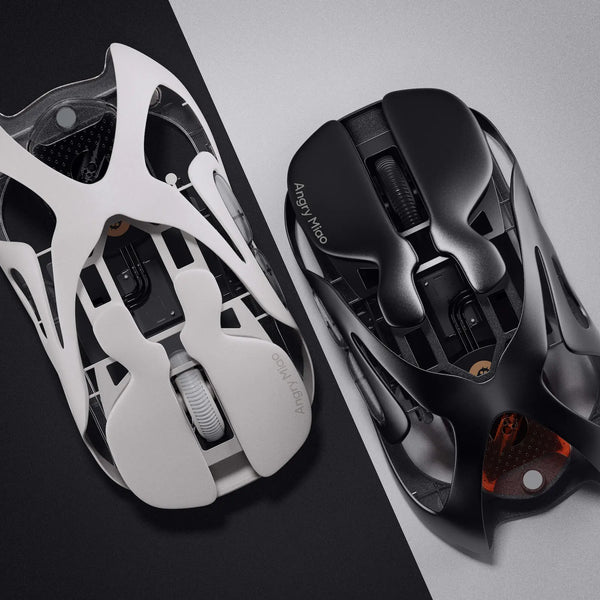
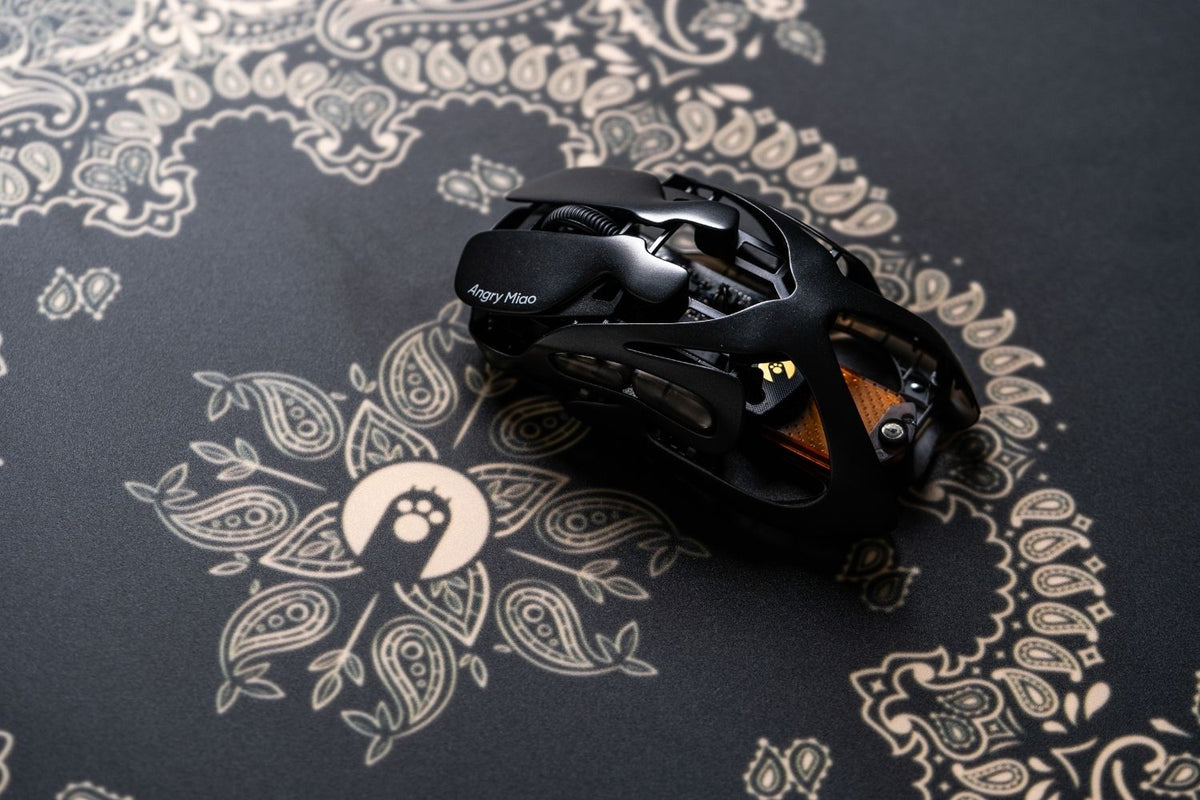
Debounce can suppress mild switch chatter, but it does not repair worn metal contacts. Optical switches avoid the same metal-contact bounce mechanism. For example, the AM INFINITY MOUSE uses TTC Orange Dot Optical Micro-Switch V2 switches rated for 100 million clicks, with dust protection and debounce adjustment in AM Master. Its 49g wireless body, PAW3950 sensor, and 2.4 GHz, Bluetooth, or wired modes are useful additional considerations if a failed mouse must be replaced.
How to Fix Mouse Double Clicking from Drivers or Connections?
Connection troubleshooting matters most when the click problem appears alongside cursor stutter, disconnects, or other inconsistent inputs. Work through the simple checks before reinstalling anything.
Power and Wireless Receiver Checks
Recharge the mouse or install a good battery. Connect its receiver directly to another USB port and away from crowded hubs or wireless interference. Pair a Bluetooth mouse again if necessary.
A modern wireless gaming mouse with a stable 2.4 GHz connection should deliver consistent clicks when the receiver, power level, and firmware are all working correctly. If only one button creates duplicate signals while tracking remains smooth, however, the button switch is still the stronger suspect.

Driver and Firmware Updates
Install firmware or configuration software only from the manufacturer. In Windows Device Manager, expand Mice and other pointing devices and update the device. If a driver is corrupted, uninstall the mouse device and restart Windows to reinstall it.
A macro or repeated-click profile can imitate hardware failure. Save custom assignments, restore a default profile, and temporarily close automation utilities.
When Should You Repair or Replace a Double-Clicking Mouse?
If the fault remains on multiple computers after cleaning and software checks, the button switch is probably failing. Your next step depends on warranty status, repair skill, and the value of the mouse.
Warranty and Professional Service
Contact the manufacturer before opening a covered mouse. Provide the model, purchase information, test result, and troubleshooting already completed. An approved repair or replacement is safer than modifying it yourself.
Switch Replacement
Replacing a soldered microswitch requires opening the shell, often removing the feet, desoldering the old part, and installing a compatible switch. Poor heat control can damage PCB pads, so this is not a beginner cleaning task.
Some mice use hot-swappable switch sockets, which make replacement easier, but compatibility still matters. Never assume that every switch fits simply because its shape looks similar.
Choosing a Replacement
Replace the mouse when repair approaches its value, the shell or PCB is damaged, or reliable clicks matter more than preserving it. Compare switch technology, warranty, shape, weight, connections, and software rather than DPI alone. For office use, the comfort factors that define a good mouse for work still matter after the fault is gone.
To reduce future problems, keep food and liquids away from the mouse, clean button gaps periodically, click with normal force, and store the device in a dry place. Update firmware from official sources and avoid setting debounce lower than necessary merely to chase a small latency difference.
FAQs About How to Fix Mouse Double Clicking
How can I fix double-clicking on my mouse?
Check the click-speed setting, restore the default button profile, recharge or reconnect the mouse, update its official software, and clean around the button. Test it on another computer; continued duplicate clicks usually indicate switch wear.
What causes mice to double-click?
The usual cause is switch bounce from worn contacts or a weakened internal spring. Dirt around the button, incorrect system settings, low wireless power, firmware errors, and repeated-click macros can produce similar symptoms.
How to fix mouse double-clicking randomly?
Test repeated single clicks to confirm the fault, then check power, receiver placement, drivers, button profiles, dirt, and debounce settings. If the same mouse fails randomly on another computer, its switch probably needs repair or replacement.
Why is my computer making me double-click everything?
If every item suddenly requires two clicks, check the application and operating-system click settings first. If the behavior affects only one mouse or button, restore its default profile and test another mouse to separate software from hardware failure.
How to fix right click double-click?
Reset any right-button macro, update the mouse software, clean around the right button, and test it on another computer. Increase debounce slightly if supported. If one right click still creates two events, the right microswitch is probably worn.
WRITTEN BY
Angry Miao
Gaming Mouse Specialist • Angry Miao Editorial Team
-
-
-
-
More articlesShare:
What Is a TKL Keyboard? Layout, Benefits, and Uses
Mouse Pad Materials Explained: Which Is Best for You?