
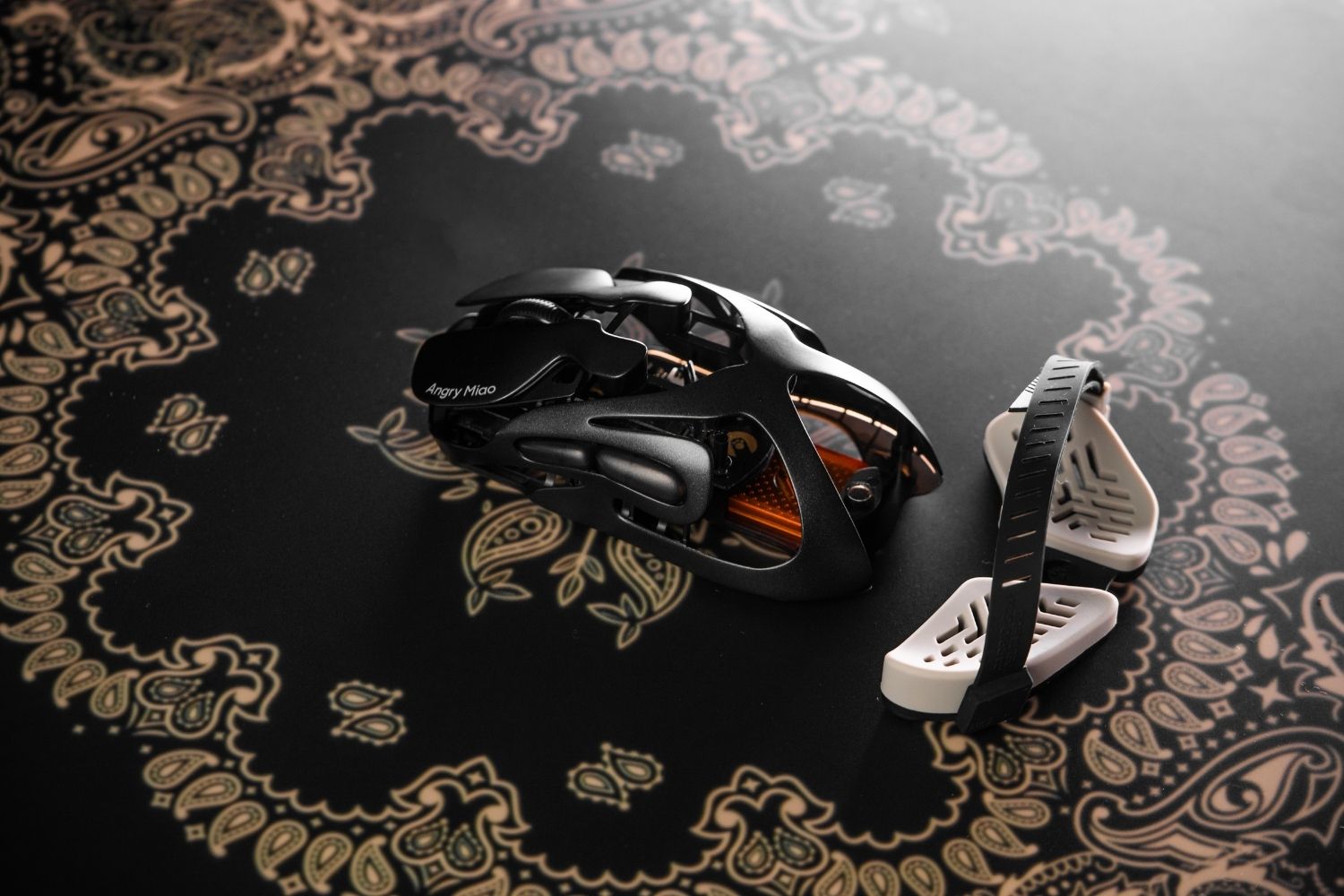
Choose an optical mouse for predictable tracking in gaming and everyday use on a mouse pad. Choose laser if you regularly work on glossy or difficult surfaces without a pad. Sensor quality and surface matter more than maximum DPI, but optical is the better default for most users.
What Is the Difference Between an Optical and Laser Mouse?
Both types use light, a CMOS sensor, and a processor to detect movement. The practical difference is the illumination source: an optical mouse normally uses an LED, while a laser mouse uses a laser diode. The sensor captures rapid images of the surface and compares changes in texture to calculate direction and distance.
That image-based tracking powers a modern gaming mouse, but the light source affects how much detail the sensor reads. Optical sensors produce predictable movement on a suitable pad. Laser sensors read finer details and work on more desks, although extra data is not always helpful.

Optical Sensor Tracking
An LED illuminates the surface. The sensor captures thousands of frames and translates the changing pattern into cursor movement. Cloth pads, paper, and many wooden desks provide clear texture.
Modern optical sensors may use infrared light that is invisible to the eye. A mouse without a visible red glow is therefore not automatically a laser mouse; the product specifications are more reliable than looking at the bottom.
Laser Sensor Tracking
A laser diode reveals finer detail, helping the mouse track on polished or low-texture materials. This versatility is useful when moving among unfamiliar workspaces.
However, reading more detail can also capture tiny irregularities that do not represent intentional hand movement. Depending on the sensor, firmware, DPI, and surface, this may contribute to jitter, smoothing, or a slightly less direct feel.
How Do Optical and Laser Mouse Features Compare?
The table summarizes typical behavior rather than guaranteeing how every model will perform. A well-tuned modern sensor can outperform an older design of the same type.
| Feature | Optical mouse | Laser mouse |
|---|---|---|
| Light source | Visible or infrared LED | Infrared laser diode |
| Best surfaces | Cloth and hard mouse pads, matte desks | Wider range of bare and polished desks |
| Tracking feel | Usually consistent and predictable | Highly sensitive to fine surface detail |
| Glass use | Often unreliable without a suitable pad | More likely to work, but not guaranteed |
| Gaming use | Common choice for competitive play | Better suited to casual or mixed-surface use |
| Power use | Often efficient in wireless models | Can use more power, depending on design |
| Main limitation | Surface compatibility | Possible smoothing, jitter, or acceleration |
If gaming is your priority, a modern lightweight gaming mouse with a current optical sensor is the most practical starting point. Consistent tracking, low weight, shape, lift-off distance, wireless stability, and polling implementation are more useful buying criteria than an unusually high DPI number alone.

Is an Optical or Laser Mouse More Accurate?
Optical mice are usually more consistent on suitable surfaces, while laser mice are more sensitive to surface detail. High DPI moves the cursor farther for the same hand movement; it does not automatically improve accuracy.
Tracking Consistency
For aiming or detailed selections, predictable movement matters. A good optical sensor on a clean pad provides stable stops and repeatable micro-adjustments, helping users build muscle memory.
Laser sensors may work where optical sensors fail, but their response can change with desk material. Processing used to control surface noise may make movement look smooth while feeling less immediate.
DPI and Sensitivity
DPI describes the counts reported per inch of movement. Higher settings suit high-resolution displays or small hand movements, but most users do not need the advertised maximum.
Compare native sensor performance, tracking speed, acceleration tolerance, lift-off distance, and firmware quality instead. A moderate DPI setting on a reliable sensor is generally easier to control than an extreme setting that amplifies hand tremor and surface noise.
Is an Optical or Laser Mouse Better for Gaming?
An optical mouse is the stronger choice for most gaming, especially FPS titles. Competitive play rewards consistent flicks, clean stops, and reliable micro-corrections on the same mouse pad. Modern optical sensors also provide more than enough DPI, tracking speed, and polling performance for serious play.
Laser mice can handle casual games, strategy titles, and mixed office use. Their broader surface compatibility may be convenient if you cannot carry a pad, but that advantage is less important in a fixed gaming setup where the surface can be controlled.
AM INFINITY MOUSE
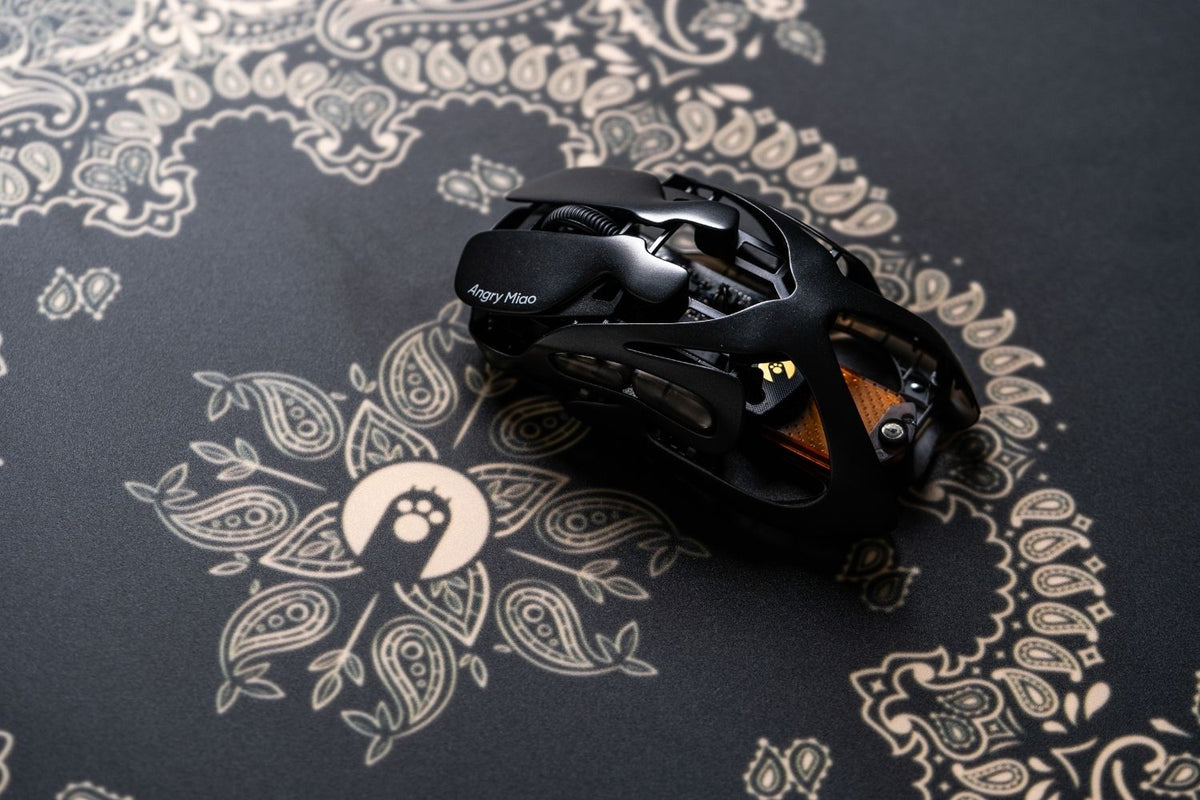
The AM INFINITY MOUSE uses a flagship PAW3950 optical sensor rated for up to 30,000 CPI, 750 IPS tracking, and 50G acceleration. Dual 8K polling supports frequent position reports, while the magnesium-alloy structure weighs 49 g in wireless use and 39 g when wired. Its hot-swappable battery system is designed to keep 2.4 GHz play running without a long charging interruption.
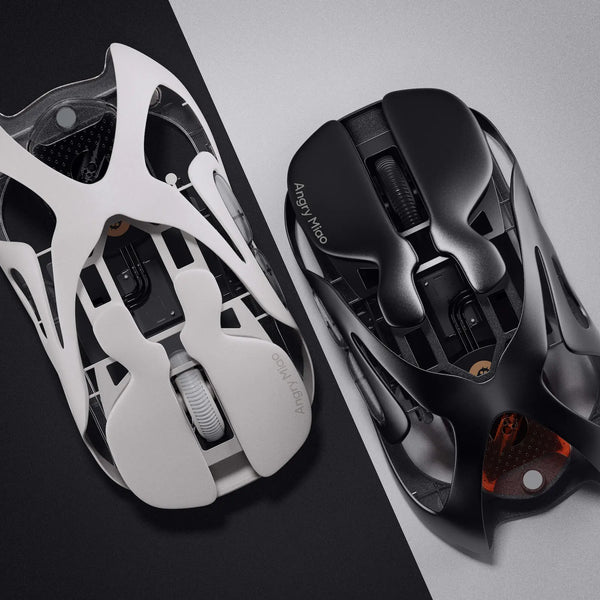
Those specifications make sense together: the sensor handles fast movement, the low mass reduces effort during repeated swipes, and the polling system sends updates frequently. Shape and grip still decide whether it fits your hand, so raw sensor performance should not be the only reason to choose it.
Which Mouse Works Better on Different Surfaces?
Laser mice win for surface flexibility and are more likely to track on laminate, polished desks, and some glass. Results vary with glass thickness, coatings, reflections, and the sensor, so test the exact model.
Optical mice work best on repeatable texture. Cloth or hard pads provide a consistent pattern, and many modern sensors also work on wood and plastic. Transparent glass and mirror-like finishes remain challenging.
Surface Testing
Test slow cursor movement, diagonal lines, fast swipes, and lift-and-reposition actions. Watch for skipping, jitter, sudden changes in distance, or cursor movement after the mouse is lifted. Clean the sensor window before blaming the technology, because dust can disrupt either type.
If tracking changes as you move across the desk, adding a mouse pad is usually a simpler and more reliable fix than replacing an otherwise comfortable mouse.
Should You Choose an Optical or Laser Mouse for Work?
For a permanent office desk, optical is usually the better value. Writers, programmers, editors, and designers benefit more from comfortable shape, useful buttons, and dependable tracking than universal surface support.
Laser makes more sense for travelers, presenters, or field workers using unfamiliar desks without a pad. A compact travel pad can still give an optical mouse a consistent surface almost anywhere.
For detailed creative work, do not choose only by sensor label. Check whether the mouse maintains a clean path at your preferred DPI, offers suitable button placement, and remains comfortable through a full session.
How Should You Choose Between an Optical and Laser Mouse?
Start with where the mouse will be used, then consider performance. This order prevents an impressive specification from distracting you from a sensor that does not suit your actual surface.
- Choose optical for competitive gaming, predictable control, and fixed desks with a mouse pad.
- Choose laser for travel or mixed glossy surfaces where a pad is impractical.
- Ignore maximum DPI as a standalone quality score; check consistency at the settings you use.
- Compare shape, grip support, weight, buttons, connectivity, and battery design after choosing the sensor.
- Read independent tests when lift-off distance, smoothing, or acceleration matters to your work or game.
Sensor behavior also depends on how movement frames are delivered to the computer. Understanding Motion Sync on a gaming mouse can help you separate raw sensor resolution from report-timing features that affect how smooth tracking feels.
FAQs About Optical vs Laser Mouse Sensors
Is a laser mouse better than an optical mouse?
Not for everyone. Laser mice usually work on more surfaces, while optical mice generally provide more consistent tracking on mouse pads. Optical is the safer default for gaming and fixed desks; laser is useful when surface flexibility matters most.
Which is better for gaming, an optical or laser mouse?
An optical mouse is better for most gaming because predictable tracking helps with flicks, stops, and small aim corrections. Laser mice are adequate for casual play, but their surface sensitivity offers little advantage in a controlled gaming setup.
Can an optical mouse work on glass?
Some advanced optical sensors can track on certain glass surfaces, but results depend on thickness, coating, and reflections. A mouse pad or desk mat remains the simplest way to give an optical sensor a stable, repeatable surface.
How can you tell if a mouse is optical or laser?
Check the manufacturer's specifications. A visible red or blue light often indicates an optical sensor, but modern optical mice may use invisible infrared LEDs. The absence of visible light does not prove that a mouse uses a laser.
Does an optical mouse need a mouse pad?
Not always. Many optical mice work well on matte wood, paper, plastic, and other textured surfaces. A mouse pad is still recommended when you want the most consistent tracking, predictable glide, and protection for the mouse feet.
Conclusion
Choose an optical mouse for consistent gaming and everyday tracking on a stable surface. Choose laser when you need to work across glossy or unfamiliar desks without a pad. In either case, prioritize sensor tuning, comfort, and surface performance over maximum DPI.
WRITTEN BY
Angry Miao
Gaming Mouse Specialist • Angry Miao Editorial Team
-
-
-
-
More articlesShare:
Best Keyboards for Typing 2026: 8 Picks for Writers and Coders
8 Best Keyboards for Programming and Developers in 2026