
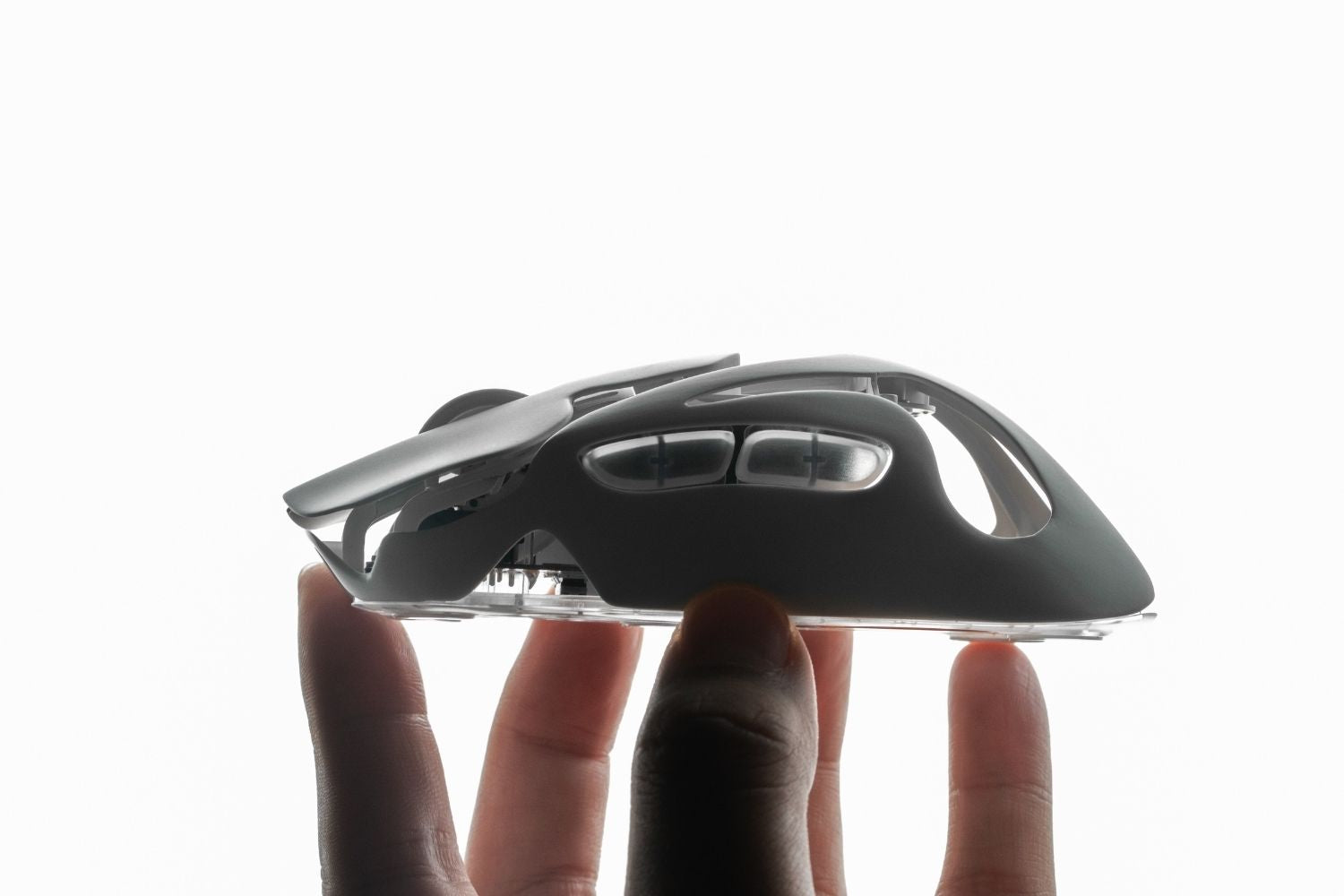
Motion Sync is a gaming mouse sensor feature that aligns movement data with the timing of mouse reports sent to your computer. Its purpose is not to raise DPI or make your mouse magically faster. It is designed to make tracking data arrive in a cleaner and more consistent rhythm, which can help cursor movement feel smoother during aiming, tracking, and small corrections.
What Is Motion Sync on a Gaming Mouse?
Motion Sync synchronizes sensor movement frames with the mouse polling reports sent to the PC. Inside the mouse, the optical sensor constantly captures tiny changes in movement. At the same time, the mouse sends data to the computer at a polling rate such as 1,000Hz, 4,000Hz, or 8,000Hz.
Without synchronization, the sensor frame and polling report may not line up perfectly. The mouse may send data that is slightly early, slightly late, or less evenly timed. Motion Sync helps align these two timing systems so each report contains fresher and more consistent movement data.
Sensor Frames
Sensor frames are the small movement updates captured by the optical sensor as you move the mouse across the surface. These frames represent physical movement before that movement becomes cursor motion on your screen.
Polling Reports
Polling reports are the data packets the mouse sends to your computer. A higher polling rate means the mouse can send reports more often, but Motion Sync focuses on how well those reports line up with the sensor frames.
How Does Motion Sync Work?
Every mouse movement travels through a simple pipeline: the sensor captures movement, the MCU processes the data, and the mouse sends a report to the computer. Motion Sync works between the sensor and report stage. It tries to make sure the movement frame and reporting moment match more closely.
This is why Motion Sync is often discussed with modern high-performance sensors. As polling rates get higher, the gaps between reports become shorter, so timing consistency matters more. In a polished gaming mouse setup, smoother signal timing is one part of making mouse movement feel more controlled and premium, not just faster.

What Does Motion Sync Do for Tracking?
The main benefit of Motion Sync is more consistent tracking. It does not improve the raw sensor resolution or make DPI more accurate by itself. Instead, it helps movement data arrive at steadier intervals. This can make slow tracking, recoil control, and micro-adjustments feel cleaner in FPS games.
|
What It Affects |
What It Means |
|
Report Timing |
Movement data is delivered in a more consistent rhythm. |
|
Slow Tracking |
Crosshair movement may feel smoother during controlled aiming. |
|
Micro-Adjustments |
Small corrections may feel more predictable. |
|
DPI Accuracy |
Not directly improved. DPI and sensor quality are separate factors. |
The improvement is usually subtle. A weak sensor, poor firmware, unstable wireless connection, or rough surface can still make the mouse feel inconsistent. A smooth gaming mouse pad also matters because a stable surface helps you judge tracking feel more accurately.
Does Motion Sync Add Input Lag?
Motion Sync can add a tiny amount of latency because the mouse may briefly wait for the next synchronized report timing. In many implementations, that delay is often described as a fraction of a polling interval. At 1,000Hz, one polling interval is 1ms, so the added delay may be very small. At 8,000Hz, the interval is much shorter.
Latency Tradeoff
For most players, the delay is difficult to notice during normal gameplay. The tradeoff is usually smoother timing versus the absolute lowest possible response. This is why some players like Motion Sync, while others prefer to disable it.
High Polling Rates
Motion Sync can make more sense on high polling rate mice because timing precision becomes more important when reports happen more often. A strong lightweight wireless gaming mouse with stable sensor performance can make these small timing differences easier to test.

How Is Motion Sync Different From Other Sensor Features?
Motion Sync is often listed beside other mouse sensor settings, but it does not work the same way. It manages timing, while many other features change how movement data is interpreted or filtered. This distinction matters because a setting can feel smoother without being more accurate.
|
Feature |
Main Purpose |
|
Motion Sync |
Aligns sensor frames with polling reports for steadier timing. |
|
Angle Snapping |
Straightens movement paths, which can interfere with natural aiming. |
|
Ripple Control |
Filters small tracking noise, usually at very high DPI settings. |
|
Lift-Off Distance |
Controls how high the mouse can lift before tracking stops. |
For gaming, Motion Sync is usually less intrusive than aggressive correction features because it does not try to reshape your movement path. It only changes how movement data is timed before it reaches the computer.
Should You Turn Motion Sync On or Off?
There is no single best answer for every player. Turn Motion Sync on if you want smoother tracking, steadier cursor movement, and more consistent reporting during slow aim adjustments. Turn it off if you are highly sensitive to input delay or if your mouse feels more direct without it.
|
Turn It On If |
Turn It Off If |
|
You want smoother tracking. |
You want the lowest possible latency. |
|
You use high polling rate settings. |
You prefer raw, immediate mouse response. |
|
You notice uneven movement during micro-adjustments. |
The mouse feels slightly delayed with it enabled. |
Casual players can usually leave it on if tracking feels smooth. Competitive tac-shooter players may want to test both options because a more immediate response can feel better for quick angle holding and fast flicks.
How Can You Test Motion Sync?
The best test is your normal game, normal sensitivity, and normal grip. Do not change DPI, polling rate, mousepad, or in-game sensitivity at the same time. Test slow tracking, fast flicks, and small target corrections with Motion Sync on, then repeat with it off.
In-Game Testing
Use the same map, same weapon, and same aim routine for both settings. Focus on whether your crosshair feels smoother, delayed, floaty, or more direct. Give each setting several rounds instead of switching every few seconds.
MouseTester Method
Tools such as MouseTester can help advanced users inspect report timing and movement graphs. They are useful for spotting timing consistency, but they should not replace in-game feel. A setting that looks cleaner in a graph still needs to feel good in your hand.
Is Motion Sync Worth It for Gaming?
Motion Sync is worth trying if you play FPS games, use high polling rate settings, or care about stable tracking during precise movements. It is not a must-have feature for every player, and it should not be the only reason you choose a mouse. Shape, weight, sensor quality, wireless stability, and surface feel usually matter more overall.
It is also useful to compare it with the broader wireless gaming mouse experience, because tracking feel can be affected by more than Motion Sync alone. Wireless stability, polling rate, and firmware tuning all influence how direct or smooth the mouse feels.

Final Thoughts
Motion Sync on a gaming mouse aligns sensor frames with polling reports to improve tracking consistency. It can make movement feel smoother and more predictable, especially during slow tracking and micro-adjustments. However, it may add a tiny delay, so competitive players should test both settings. If Motion Sync makes your aim feel stable, keep it on. If your mouse feels faster and cleaner with it off, leave it off.
FAQ
What Does Motion Sync Do on a Mouse?
Motion Sync aligns the mouse sensor’s movement frames with the polling reports sent to the computer. This helps movement data arrive in a more consistent rhythm, making cursor tracking feel smoother without changing the sensor’s raw DPI accuracy.
Should Motion Sync Be Enabled?
Motion Sync is worth enabling if your mouse feels smoother and more stable with it on, especially during slow tracking or micro-adjustments. Disable it if you prefer the most immediate response or notice a slightly delayed feel in competitive games.
Does Motion Sync Increase Latency?
Motion Sync can add a very small delay because the mouse may wait briefly to align sensor data with the next polling report. For most players, this delay is hard to feel, but latency-sensitive competitive players should test both settings.
Is Motion Sync Good for FPS Games?
Motion Sync can be good for FPS games because it may improve tracking consistency during recoil control, slow aim movement, and micro-adjustments. Some tac-shooter players may still prefer it off if they value raw response over smoother timing.
Is Motion Sync the Same as Polling Rate?
No. Polling rate is how often your mouse sends reports to the PC, while Motion Sync controls how sensor frames align with those reports. Higher polling increases report frequency, while Motion Sync focuses on report timing consistency.
WRITTEN BY
Angry Miao
Gaming Mouse Specialist • Angry Miao Editorial Team
-
-
-
-
More articlesShare:
Five Months In: AM INFINITY MOUSE .97 Arrives on Amazon
Gaming Mouse vs Regular Mouse: What's the Real Difference?