
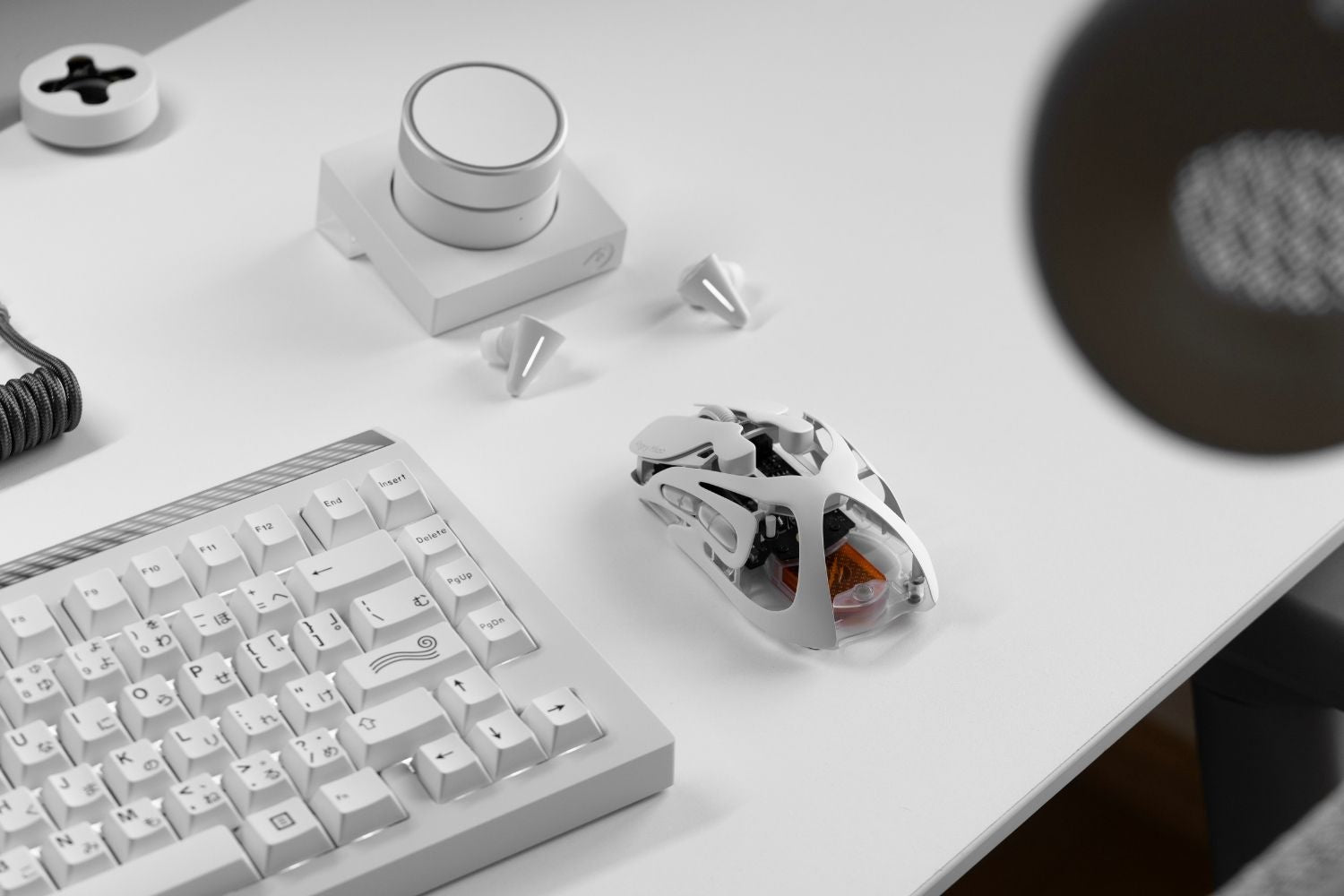
A work mouse should make everyday tasks smoother, not just add buttons or a higher DPI number. The best choice depends on real desk use: scrolling, clicking, switching apps, moving across monitors, and staying comfortable.
How We Tested the Best Mice for Work
We evaluated each mouse as a daily work tool, not as a gaming spec sheet. The focus was whether it made common tasks faster, easier, or more comfortable across long sessions, document work, app switching, and hybrid work-and-gaming use.
Full-Day Comfort Test
We looked at hand support, wrist angle, side-button reach, and fit for palm, claw, or fingertip grip. A mouse that feels good for minutes can still feel tiring after a full workday.
Scrolling and Document Test
We judged how well each mouse handles long pages, spreadsheets, research tabs, and timelines. Smooth scrolling, horizontal control, and quick navigation matter more than extreme DPI numbers.
Workflow Control Test
We considered whether extra buttons and software shortcuts are useful in real tasks. A work mouse should make copy, paste, window switching, browser navigation, or app actions easier without adding accidental clicks.
Connection and Setup Test
We checked Bluetooth, 2.4GHz wireless, wired mode, charging, battery life, and multi-device switching. A good office mouse should connect quickly and stay reliable across laptops, monitors, and tablets.
Shape, Weight, and Grip Test
We compared heavy ergonomic mice with lighter hybrid mice. Heavier models usually feel stable and supportive, while lighter mice are easier to reposition and better for users who split time between work and gaming.
Best Mouse For Work of 2026: Quick Comparison
|
# |
Mouse |
Weight |
Best For |
Connectivity |
Approx. Price |
|
1 |
Logitech MX Master 4 |
150g |
Overall productivity |
Bluetooth / Logi Bolt |
About $120 |
|
2 |
Logitech MX Master 3S |
141g |
Proven work setup |
Bluetooth / Logi Bolt |
$119.99 |
|
3 |
AM INFINITY MOUSE |
49g wireless / 39g wired |
Lightweight work |
2.4G / Bluetooth / Wired |
$129.00 |
|
4 |
Keychron M6 8K |
About 86g |
Budget productivity hybrid |
2.4G / Bluetooth / Wired |
$69.99 |
|
5 |
Logitech Lift |
125g |
Vertical ergonomics |
Bluetooth / Logi Bolt |
$79.99 |
|
6 |
AM INFINITY MOUSE .97 |
47g wireless / 37g wired |
Small hands, claw and fingertip grip |
2.4G / Bluetooth / Wired |
From $159.99 |
|
7 |
Logitech MX Anywhere 3S |
95g |
Travel work |
Bluetooth / Logi Bolt |
$84.99 |
|
8 |
Razer Pro Click Mini |
88g or 111g |
Compact quiet office use |
2.4G / Bluetooth |
$79.99 |
|
9 |
Apple Magic Mouse |
99g |
Mac gestures |
Bluetooth / USB-C charging |
$99 |
|
10 |
Logitech M720 Triathlon |
135g |
Budget multi-device work |
Bluetooth / USB receiver |
$39.99 |
Best Mouse For Work Reviews
1. Logitech MX Master 4
 Best for: Most office, creative, and productivity users.
The MX Master 4 is the safest overall work mouse for 2026. It has a large right-handed ergonomic shape, dual scroll wheels, app shortcuts, multi-device support, and long battery life. It is heavy, but excellent for documents, spreadsheets, research, editing, and app switching.
2. Logitech MX Master 3S
 Best for: Users who want a proven productivity mouse.
The MX Master 3S remains widely recommended because it gets the work basics right: quiet clicks, MagSpeed scrolling, a thumb wheel, 8K DPI tracking, and Logi Options+ customization. It is not light, but the sculpted shape and productivity controls make it a dependable office choice.
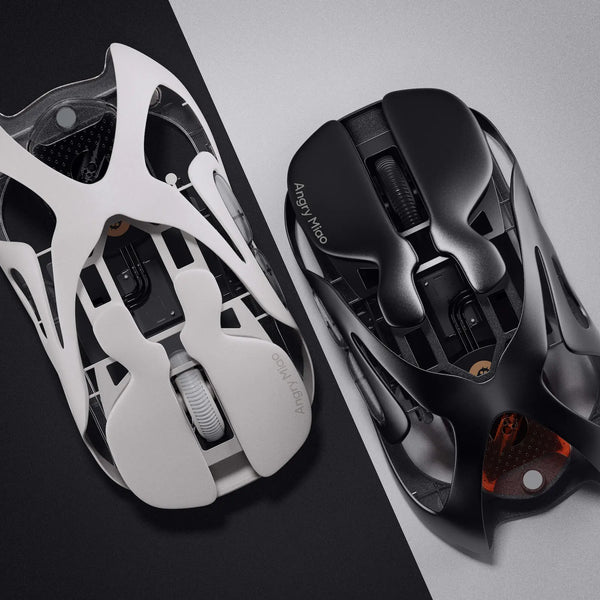
3. AM INFINITY MOUSE
 Best for: Lightweight work, long office sessions.
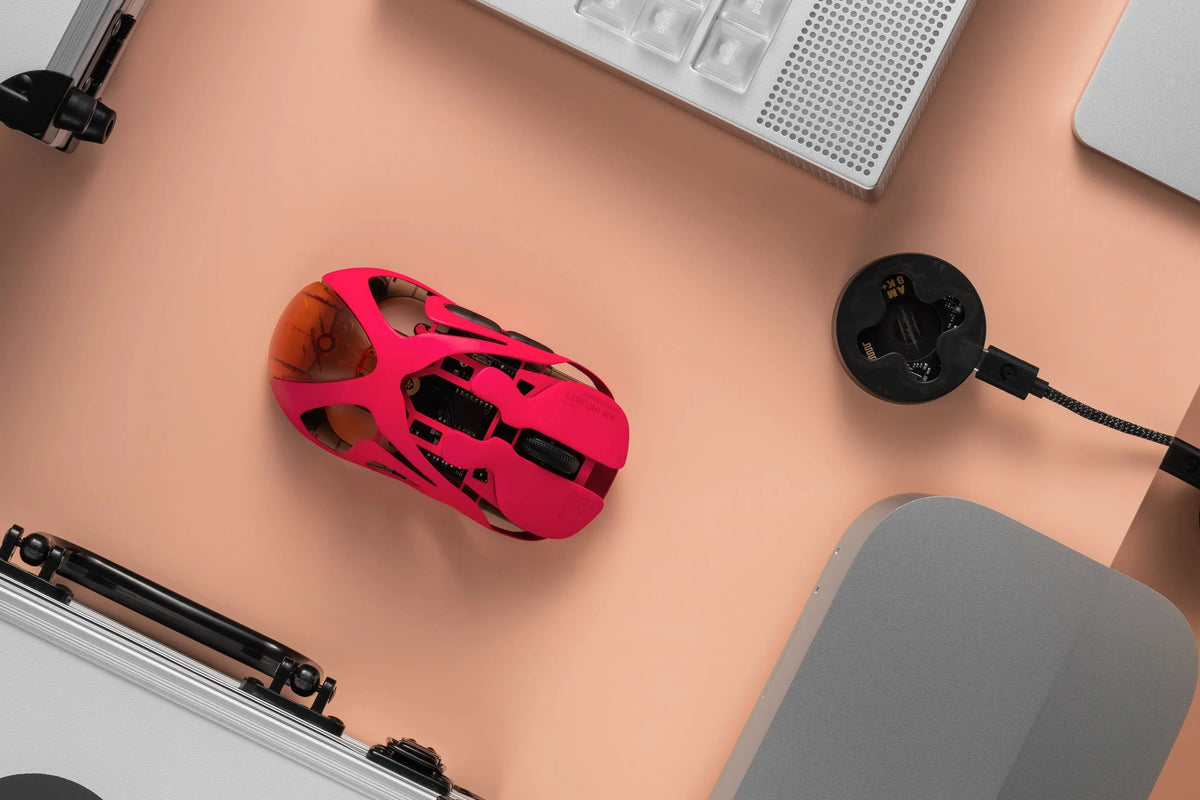
The AM INFINITY MOUSE is not a traditional office mouse, but its 49g wireless and 39g wired build makes daily movement feel lighter and can reduce repeated wrist effort compared with heavier productivity mice. Its hot-swappable magnetic battery design also suits long work sessions because you can keep working without worrying as much about charging interruptions. The high polling rate and PAW3950 sensor help with fast, accurate tracking across documents, creative apps, large monitors, and games after work.
4. Keychron M6 8K
 Best for: A budget MX Master-style alternative.
The Keychron M6 8K combines an ergonomic shell, thumb rest, dual scrolling, programmable buttons, Bluetooth, 2.4GHz wireless, and wired use. It is lighter and more performance-focused than many office mice, though its scroll feel and software polish may not match Logitech’s flagship models.
5. Logitech Lift
 Best for: Wrist comfort.
The Logitech Lift uses a 57-degree vertical shape to put your hand in a more natural position. It is a strong choice for small to medium hands and users who feel wrist strain with flat mice. It is not speed-focused, but it is comfortable for long office sessions.
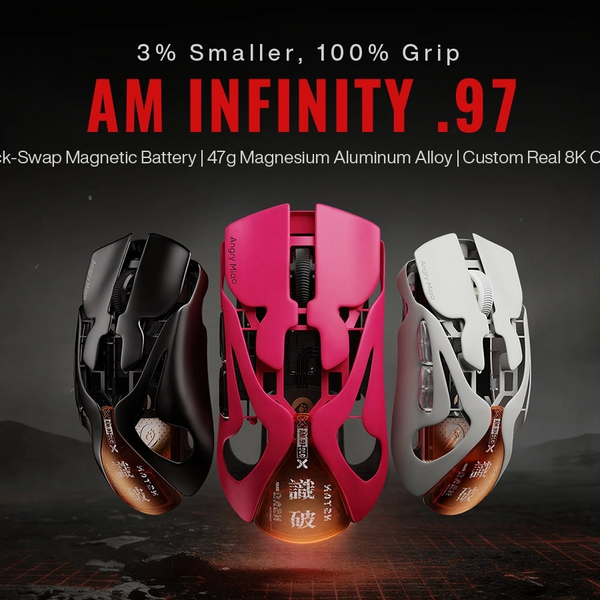
6. AM INFINITY MOUSE .97
 Best for: Smaller hands, claw grip, and fingertip grip.
The AM INFINITY MOUSE .97 is the better choice if the standard shape feels slightly large. Its smaller 97% body is more grip-specific, making it a stronger fit for claw or fingertip users. For smaller hands, the shorter shape can feel easier to lift, reposition, and control during office work and fast desktop movement.
7. Logitech MX Anywhere 3S
 Best for: Travel and hybrid work.
The MX Anywhere 3S is a compact travel mouse with quiet clicks, fast scrolling, 8K DPI tracking, and multi-device support. It does not provide the same palm support as the MX Master series, but it is much easier to pack and use across different workspaces.
8. Razer Pro Click Mini
 Best for: Compact quiet office use.
The Razer Pro Click Mini is built for portable productivity. It has silent mechanical switches, seven programmable buttons, a four-way HyperScroll tilt wheel, Bluetooth, and 2.4GHz wireless. Use one AA battery for less weight or two for longer battery life.
9. Apple Magic Mouse
 Best for: Mac gestures.
The Apple Magic Mouse is not the most ergonomic option, but its Multi-Touch surface works naturally with macOS gestures. It is useful for swiping between pages and scrolling through documents, but users who need palm support or side buttons should choose another mouse.
10. Logitech M720 Triathlon
 Best for: Budget multi-device work.
The M720 Triathlon is older but still practical. It switches between up to three devices, supports Bluetooth and a USB receiver, has hyper-fast scrolling, and runs for up to two years on one AA battery. It is heavier and less premium than MX models, but offers strong value.
Which Work Mouse Should You Choose?
|
User Type |
Recommended Mouse |
|
Most office and productivity users |
Logitech MX Master 4 |
|
Proven premium work setup |
Logitech MX Master 3S |
|
Lightweight work |
AM INFINITY MOUSE |
|
Budget MX-style productivity |
Keychron M6 8K |
|
Wrist comfort |
Logitech Lift |
|
Small hands, claw or fingertip grip |
AM INFINITY MOUSE .97 |
|
Travel and mobile work |
Logitech MX Anywhere 3S |
|
Mac gesture control |
Apple Magic Mouse |
Lightweight vs Ergonomic Work Mouse
If your workday is mostly documents, spreadsheets, and browser tabs, a heavier ergonomic mouse such as the MX Master 4, MX Master 3S, or Logitech Lift may be better. These mice prioritize hand support, scrolling, and workflow shortcuts.
If heavy office mice feel slow, a lightweight mouse can make daily work feel easier. Lower weight reduces repeated movement effort, while responsive tracking helps when moving across large monitors, documents, creative software, and dense desktop layouts.
Conclusion
The best mouse for work depends on how you work. The Logitech MX Master 4 is the strongest overall productivity pick, while the MX Master 3S remains a proven alternative. For wrist comfort, choose Logitech Lift. For travel, choose MX Anywhere 3S. For a lighter work, consider AM INFINITY MOUSE or AM INFINITY MOUSE .97 based on your hand size and grip style.
FAQs
What Is a Good Computer Mouse for Working Long Hours?
A good computer mouse for working long hours should support your hand, reduce repeated wrist effort, and scroll smoothly through documents or web pages. Full-size ergonomic mice suit fixed desk setups, while vertical mice may help users who feel wrist tension with flat mice.
What Is the Best Professional Mouse?
The best professional mouse depends on your daily workflow. For documents, spreadsheets, and app shortcuts, the MX Master series is a strong choice. For users who want faster movement and a lighter feel across large monitors, a lightweight hybrid mouse can be a better fit.
Is a Wired or Wireless Mouse Better for Office Work?
A wireless mouse is usually better for office work because it keeps your desk cleaner, supports flexible laptop setups, and often allows multi-device switching. A wired mouse still makes sense if you want no charging, no pairing, and a lower-cost setup.
Which Type of Mouse Is Most Comfortable?
The most comfortable mouse is the one that matches your hand size, grip style, and desk posture. Full-size ergonomic mice support the palm, vertical mice change the wrist angle, and compact mice work better for smaller hands, travel, or fingertip control.
Is an Ergonomic Mouse Actually Better for You?
An ergonomic mouse can be better if a standard flat mouse causes wrist, hand, or forearm strain during long sessions. It is not automatically better for everyone, because comfort also depends on desk height, chair position, grip style, and how often you use the mouse.
WRITTEN BY
Angry Miao
Gaming Mouse Specialist • Angry Miao Editorial Team
-
-
-
-
More articlesShare:
How to Lock and Unlock Your Mac Keyboard in Seconds
Factory Lubed vs Hand Lubed Switches: Which Is Better?