
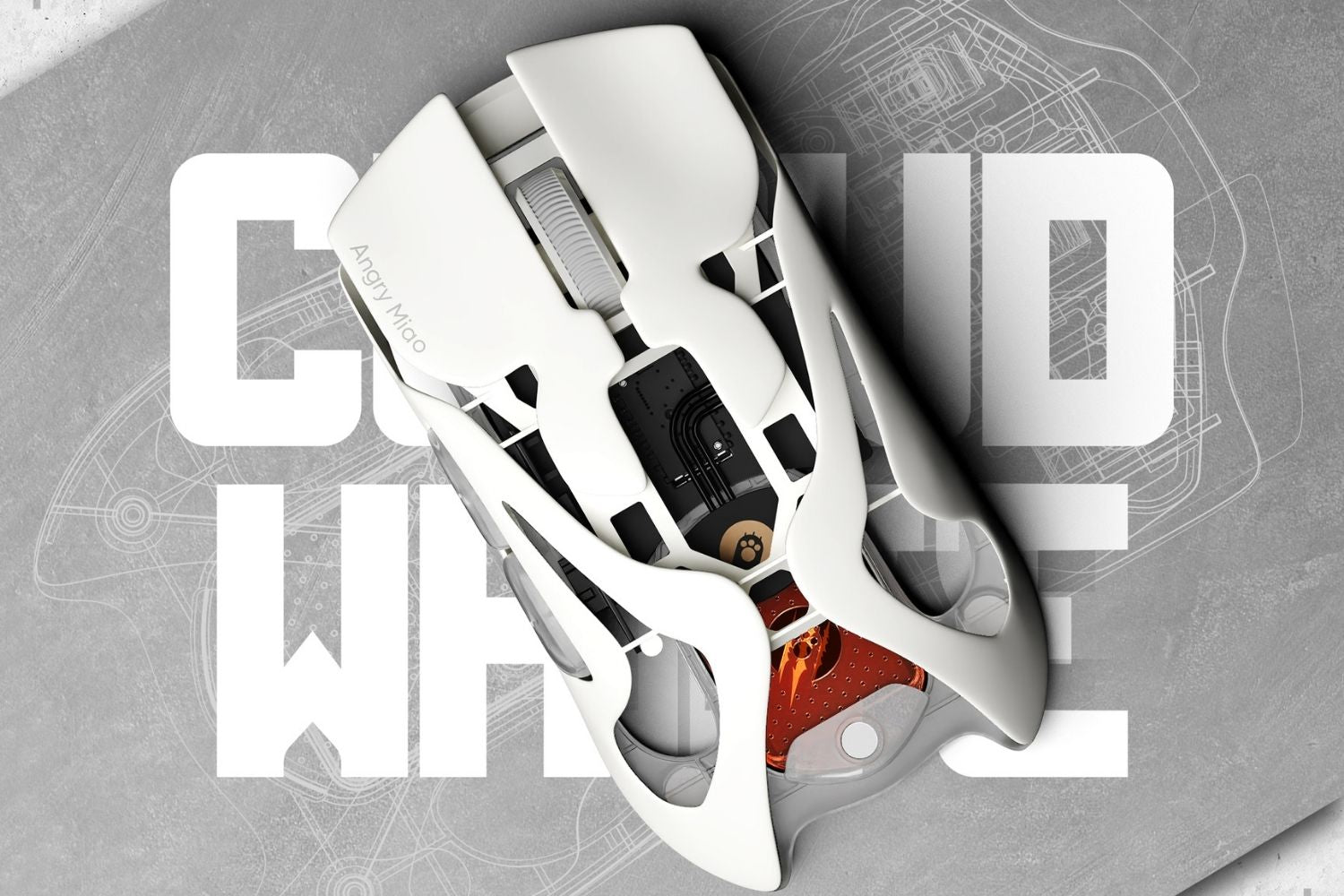
A gaming mouse and a regular mouse both move, click, and scroll, so the difference can seem small at first. The real gap appears when you need speed, accuracy, comfort, and repeatable control. A regular mouse is built for everyday tasks. A gaming mouse is built to make movement feel precise and responsive when small corrections matter.
Main Difference Between Gaming and Regular Mice
The main difference is design purpose. A regular mouse is made for simple navigation, while a gaming mouse is built around performance. That affects the sensor, DPI, polling rate, shape, weight, buttons, software, and durability.
|
Parameter |
Gaming Mouse |
Regular Mouse |
|
Sensor |
High-precision optical sensor for fast swipes and micro-adjustments |
Basic optical sensor for everyday cursor control |
|
DPI |
Adjustable, often from 400 to 26,000+ DPI depending on the model |
Often fixed around 800 to 1,600 DPI |
|
Polling Rate |
Commonly 1,000Hz, with some models supporting 4,000Hz or 8,000Hz |
Often around 125Hz to 250Hz for daily tasks |
|
Weight |
Performance models often sit around 40g to 80g for faster control |
Often around 70g to 110g, depending on size and battery |
|
Buttons |
Usually 5 to 8+ buttons with programmable functions |
Usually 3 buttons: left click, right click, and scroll wheel |
|
Switch Lifespan |
Often rated for tens of millions of clicks |
Usually built for lighter everyday clicking |
|
Best For |
Gaming, precision work, and heavy daily use |
Browsing, office work, school, and travel |
Performance Design
A gaming mouse is designed for fast reactions, accurate tracking, repeated clicks, and long sessions. It usually gives you more control over how the mouse feels, so you can match it to your grip, game type, screen size, and sensitivity preference.
Everyday Use
A regular mouse is designed to be affordable, familiar, and easy to use. It works well for browsing, email, schoolwork, spreadsheets, shopping, and light office tasks. It is simply built for a different level of demand.

Sensor Accuracy and Tracking
The sensor reads the surface below the mouse and turns physical movement into cursor movement. This is one of the most important differences because it affects how predictable the mouse feels during fast swipes and small corrections.
Optical Sensor Quality
Gaming mice usually use higher-quality optical sensors that track small, fast, and sudden movements more consistently. This matters in FPS games, aim trainers, and any game where your crosshair needs to follow your hand without skipping or drifting.
Tracking Consistency
A regular mouse sensor is usually built for basic cursor movement. It can work well for normal tasks, but it may feel less stable during fast gameplay. If tracking is inconsistent, your aim can feel different even when your hand movement stays the same.
Surface Control
The surface under the mouse also matters. A strong sensor is easier to judge when the glide is stable, which is why a smooth gaming mouse pad can help with consistent tracking. It reduces surface noise and gives the mouse a cleaner path for repeated movement.

DPI and Sensitivity Control
DPI controls how far the cursor moves based on how much you move the mouse. A regular mouse is often fixed around 800 to 1,600 DPI, while a gaming mouse may offer a wide adjustable range from low hundreds to 26,000 DPI or more. The real advantage is not the highest number. It is the ability to choose a repeatable setting that fits your screen, game, and aiming style.
Adjustable Sensitivity
Gaming mice usually let you adjust DPI in software or with a button. FPS players often use lower DPI for steadier aim, while strategy, MMO, or productivity users may prefer faster cursor movement. The right setting is the one you can repeat comfortably.
Practical DPI Range
Practical DPI matters more than maximum DPI. Many FPS players still use settings like 400, 800, or 1,600 DPI because control matters more than raw speed. A regular mouse may be fine if you never need to tune sensitivity for different tasks.
Polling Rate and Response Time
Polling rate is how often the mouse reports its position to the computer. Many regular mice sit around 125Hz to 250Hz, while gaming mice commonly support 1,000Hz and some high-end models reach 4,000Hz or 8,000Hz. The difference is most noticeable in games and on high-refresh monitors.
Faster Report Rate
A higher polling rate sends updates more often, which can make movement feel smoother and more connected. In fast games, more frequent reporting helps the screen keep up with your hand movement during flicks, tracking, and sudden direction changes.
Lower Input Delay
Lower delay does not replace skill, but it removes one layer of friction between your hand and the game. When the mouse responds quickly and consistently, aiming feels more direct. That is one reason gaming mice feel sharper than regular mice in competitive play.
Shape, Weight, and Grip Comfort
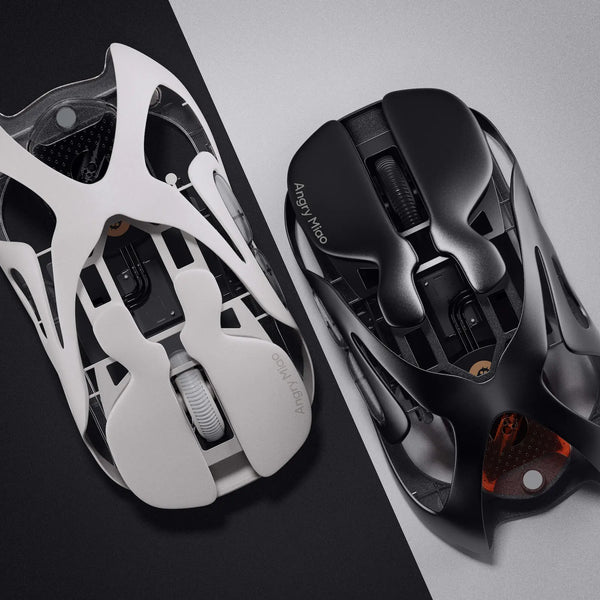
Shape and weight are where many users feel the upgrade immediately. A regular mouse often uses a general shape and may weigh around 70g to 110g. A lightweight wireless gaming mouse is usually designed around hand size, grip style, balance, and repeated movement, with many performance models sitting around 40g to 80g.
Grip Styles
Gaming mice often support palm, claw, or fingertip grip more intentionally. Palm grip needs support. Claw grip needs stopping power and control. Fingertip grip often benefits from a smaller shape that gives the fingers more room for fine corrections.
Lightweight Control
Weight affects how quickly you can move, stop, and reset the mouse. Lighter designs can feel more agile than heavier regular mice, especially during long FPS sessions that require frequent repositioning and quick corrections.
Long-Session Comfort
Comfort is not only about softness. It is about whether your hand can stay relaxed while keeping control. A mouse that is too tall, too heavy, too narrow, or too slippery can create strain over time.
Buttons, Profiles, and Software
Gaming mice often include extra buttons and software customization. These features can help in games, but they can also help with work. The value depends on whether the buttons make repeated actions easier or just add clutter.
Programmable Buttons
Regular mice usually have three basic controls: left click, right click, and scroll. Gaming mice often add 2 to 6 extra buttons for skills, weapons, push-to-talk, copy and paste, browser controls, or editing shortcuts.
Onboard Profiles
Some gaming mice save DPI, button mapping, polling rate, and lighting settings to onboard memory. That is useful if you switch between computers or want consistent settings without rebuilding your setup every time.
Simple Setup
A regular mouse wins when you want no software and no learning curve. You plug it in, connect Bluetooth, or use a receiver, and it works. For users who prefer simplicity, fewer settings can be an advantage.
Build Quality and Durability
Gaming mice are usually built for heavier use. They may include stronger switches, better skates, grippier coatings, stable wireless receivers, and materials designed for repeated movement. A regular mouse can last a long time under light use, but it is not usually made for constant rapid clicking or aggressive swipes.
Switch Lifespan
Gaming mouse switches are often rated for more clicks and a more consistent feel over time. This matters in click-heavy games and long daily sessions, where a weak switch can start to double-click, feel mushy, or lose its original response.
Glide and Materials
Skates, shell texture, cable flexibility, and coating all affect long-term feel. Better materials can help the mouse stay stable in your hand and glide smoothly after months of use, especially if you game often.
Choosing the Right Mouse
Choose a gaming mouse if you play fast-paced games, use a high-refresh display, care about accurate tracking, or spend long hours at your desk. It can also be useful for work if you like adjustable DPI and shortcut buttons. Choose a regular mouse if your tasks are simple, your budget is tight, or you prefer a compact plug-and-play device.
|
Choose a Gaming Mouse If |
Choose a Regular Mouse If |
|
You play FPS, MOBA, MMO, or competitive games. |
You mostly browse, write, shop, or check email. |
|
You want adjustable DPI and faster response. |
You prefer simple plug-and-play use. |
|
You care about grip, weight, and tracking feel. |
You want a low-cost portable mouse. |
|
You use your mouse for long sessions. |
You do not need extra buttons or software. |
If you are choosing a performance mouse and still debating connection type, the broader wireless gaming mouse comparison is worth considering. Modern wireless models can feel fast, but battery design, receiver quality, and connection stability still affect the final experience.

Final Thoughts
A gaming mouse is not better just because it looks more aggressive or has RGB lighting. Its real value comes from stronger tracking, adjustable sensitivity, faster reporting, better grip control, and more durable parts. A regular mouse is still the right tool for simple daily tasks. But if you game often, work long hours, or want more precise control, a gaming mouse is a meaningful upgrade.
FAQ
Are Gaming Mice Better Than Regular Mice?
Gaming mice are better when you need precise tracking, faster response, adjustable DPI, and long-session comfort. Regular mice are still enough for browsing, email, schoolwork, and simple office tasks.
Does a Mouse Really Make a Difference in Gaming?
Yes, especially in games that rely on aim, timing, and fast reactions. A better sensor, polling rate, weight, and shape can make movement feel more consistent, although skill and settings still matter more.
Do You Actually Need a Gaming Mouse?
You do not need a gaming mouse for casual browsing or light games. You should consider one if you play FPS, MOBA, MMO, or competitive games, or if you want better comfort and control during long sessions.
How to Pick a Good Gaming Mouse?
Start with your grip style, hand size, and game type. Then compare sensor quality, weight, polling rate, button layout, wireless stability, and software. The best gaming mouse should feel controlled, not just powerful.
Why Are Gaming Mice So Expensive?
Gaming mice cost more because they often use better sensors, faster wireless technology, stronger switches, lighter materials, smoother skates, and more customization. You are paying for performance, tuning, and durability.
WRITTEN BY
Angry Miao
Gaming Mouse Specialist • Angry Miao Editorial Team
-
-
-
-
More articlesShare:
What Is Motion Sync on a Gaming Mouse and What Does It Do?
What Is a Hotkey? Common Shortcuts and How to Use Them