



Keep all your AM devices up-to-date with a single app
From now on, you no longer need separarate software to manage each of your Angry Miao products*. Download AM Master or use the web version to complete firmware updates and personalized settings.
* AM Master supported devices: CYBERBLADE, CYBERBOARD R2/Terminal & newer, AM HATSU, AM AFA, AM compact Touch, AM Infinity Mouse, except for CB R1/Xmas/Glacier R1.
* For CB R1/Xmas/Glacier R1, , please download this version.
Automatically detect your AM devices
Any keyboards and earbuds connected to your computer using the cable are automatically detected and identified by AM Master. The discovered devices will appear directly in its interface.
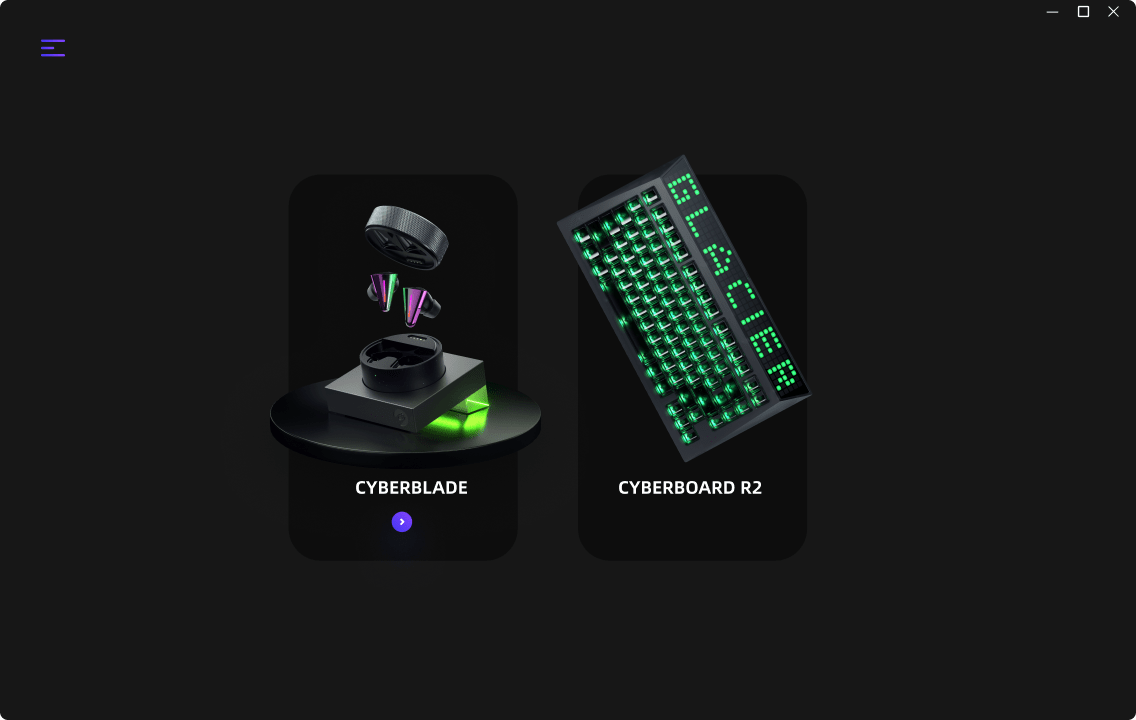
Click on the corresponding device to view its firmware status.
Get the latest firmware automatically
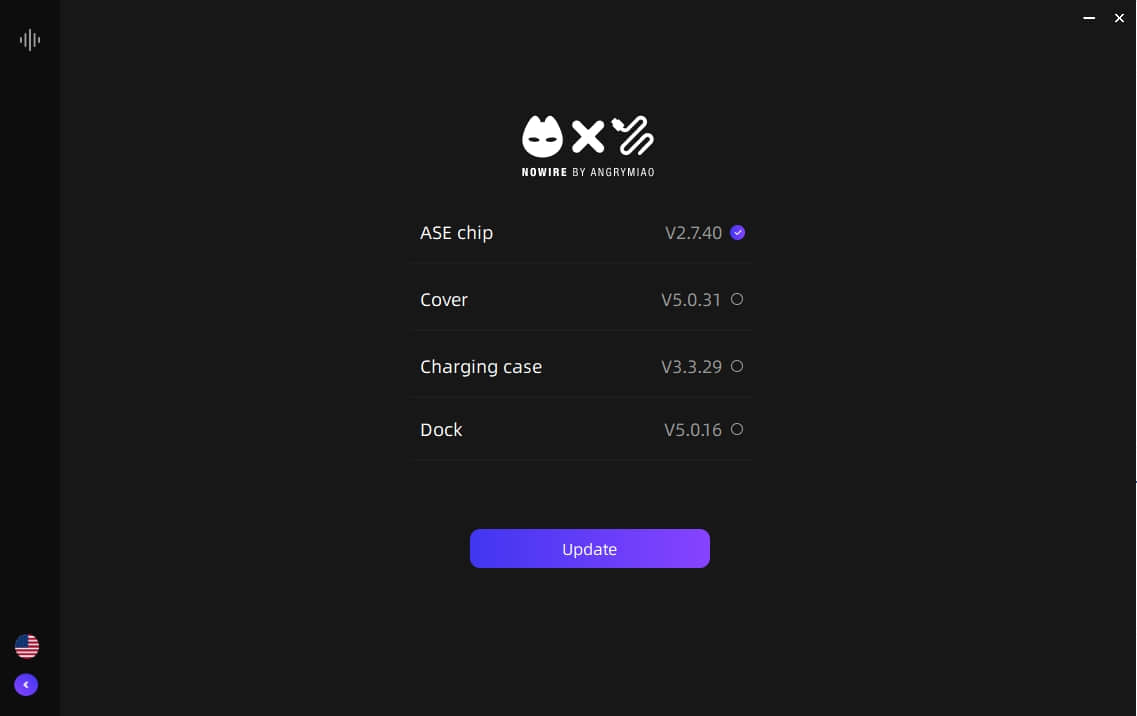
AM Master can not only detect AM devices connected to your computer, but it can also detect their current firmware version.
If a new firmware version is found, AM Master can automatically download the latest version for your device.
Just click on Upgrade to upgrade the firmware of your AM device to the latest version.
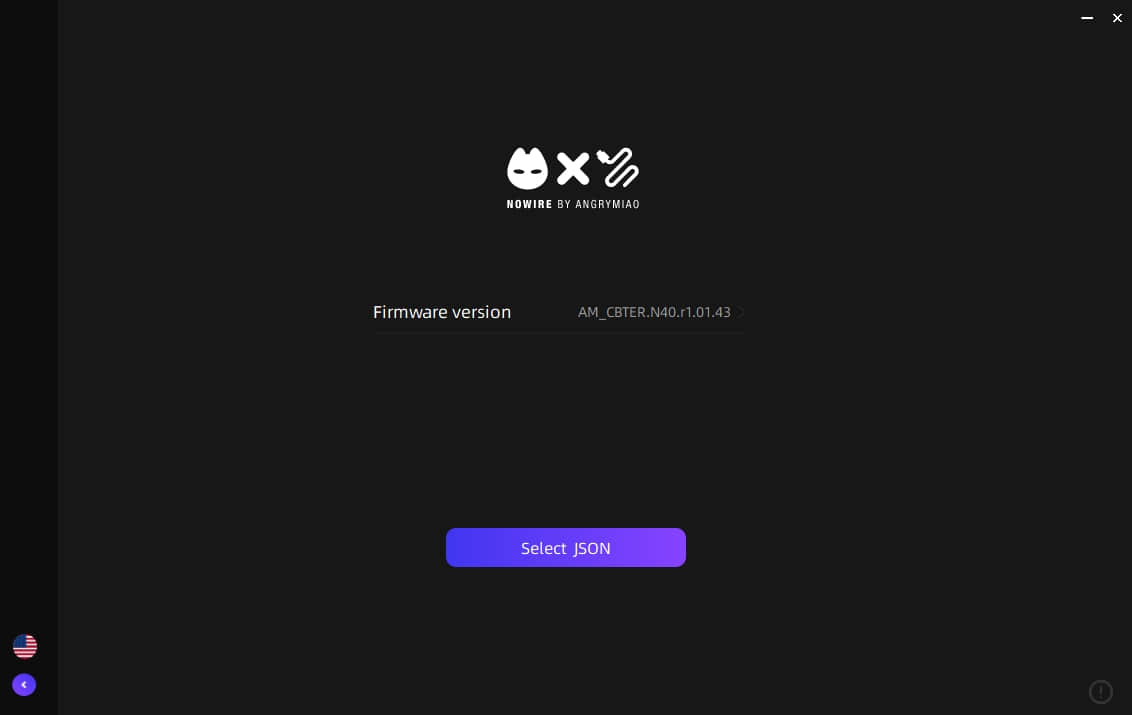
In addition to updating your devices, AM Master can also apply custom configuration (JSON) files to your keyboard.
Precautions
When AM Master is compiled into an executable, it may be misidentified as a Trojan (such as Trojan.Baba064c1 or Backdoor.Agent) because it performs operations like calling system processes and accessing system directories. Please note that this is a false positive and does not represent an actual security threat.
- Anti-virus: Disable anti-virus software before installation.
- Firmware Update: Do NOT use a virtual machine (VM) or VPN during firmware upgrades.
- Multiple Devices: AM Master can only recognize one device of the same type at a time. If you have multiple keyboards, please connect and upgrade them one by one.