
Save 31%

Sale price$1,099.00Regular price
$1,600.00
Sold Out
FAQs
What is an ortholinear keyboard?

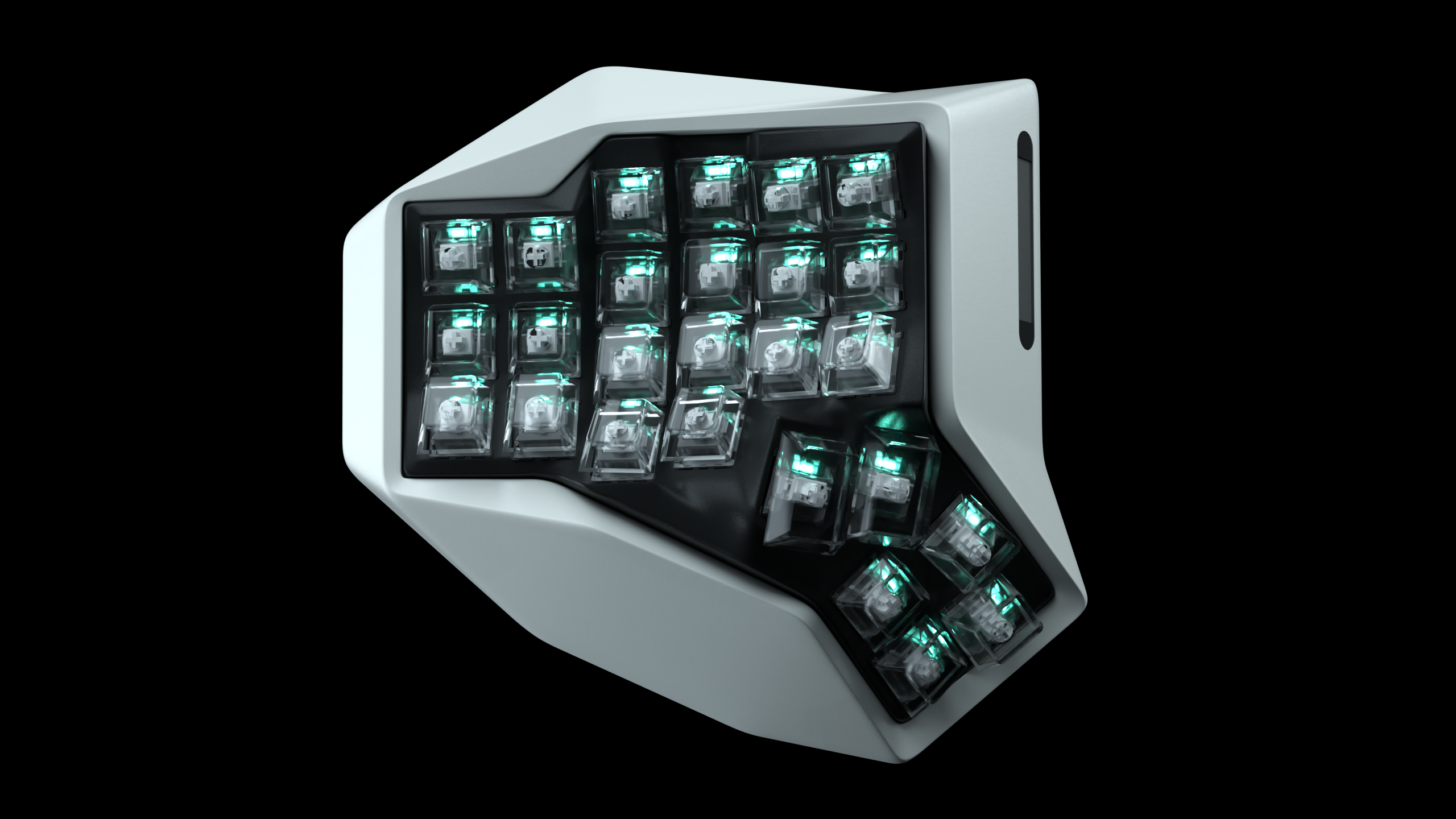
An ortholinear keyboard arranges keys in straight rows and columns instead of the staggered pattern used on traditional keyboards. This grid layout can reduce sideways finger movement and encourages each finger to stay within a more consistent column.
Are ortholinear keyboards more ergonomic?
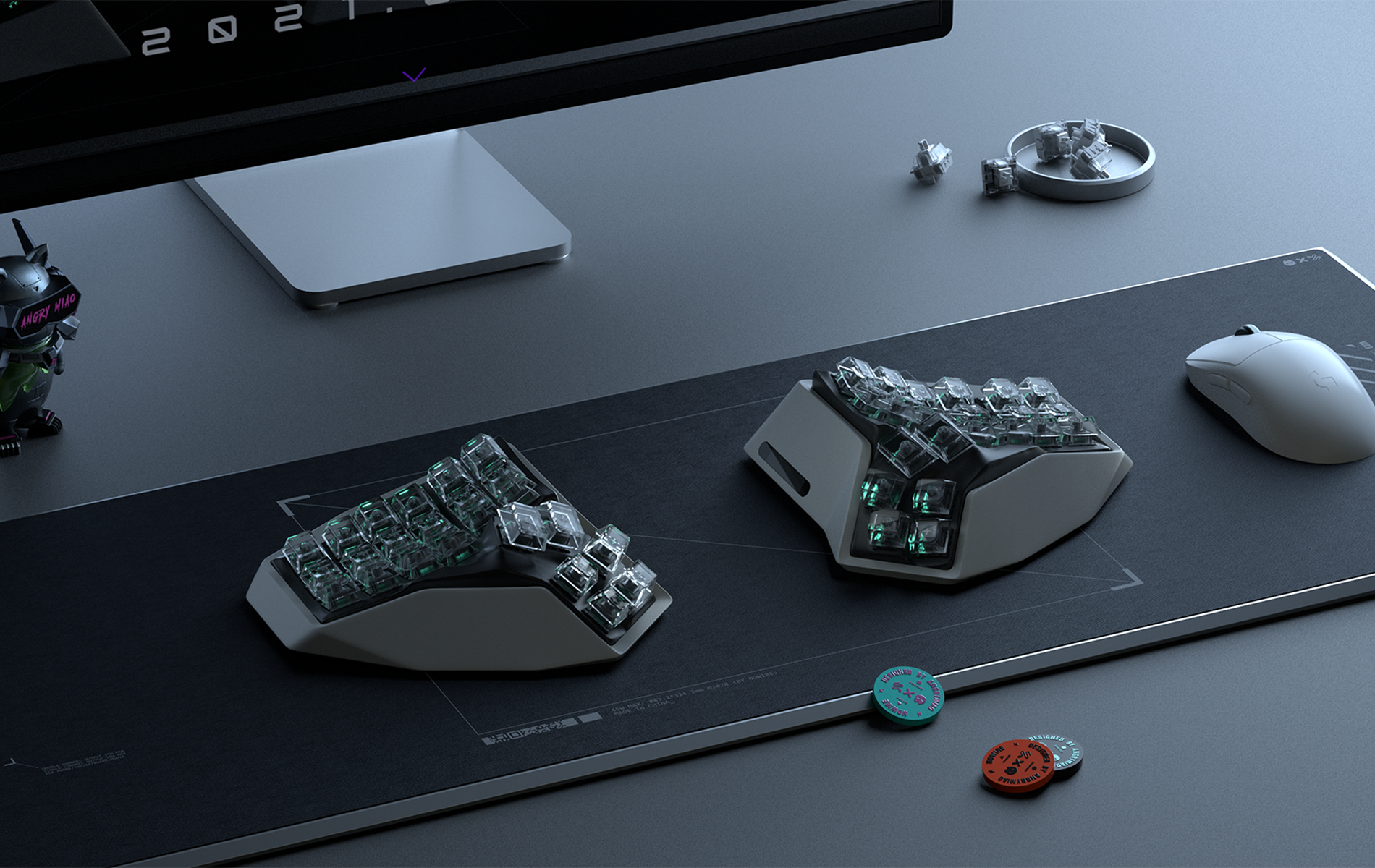
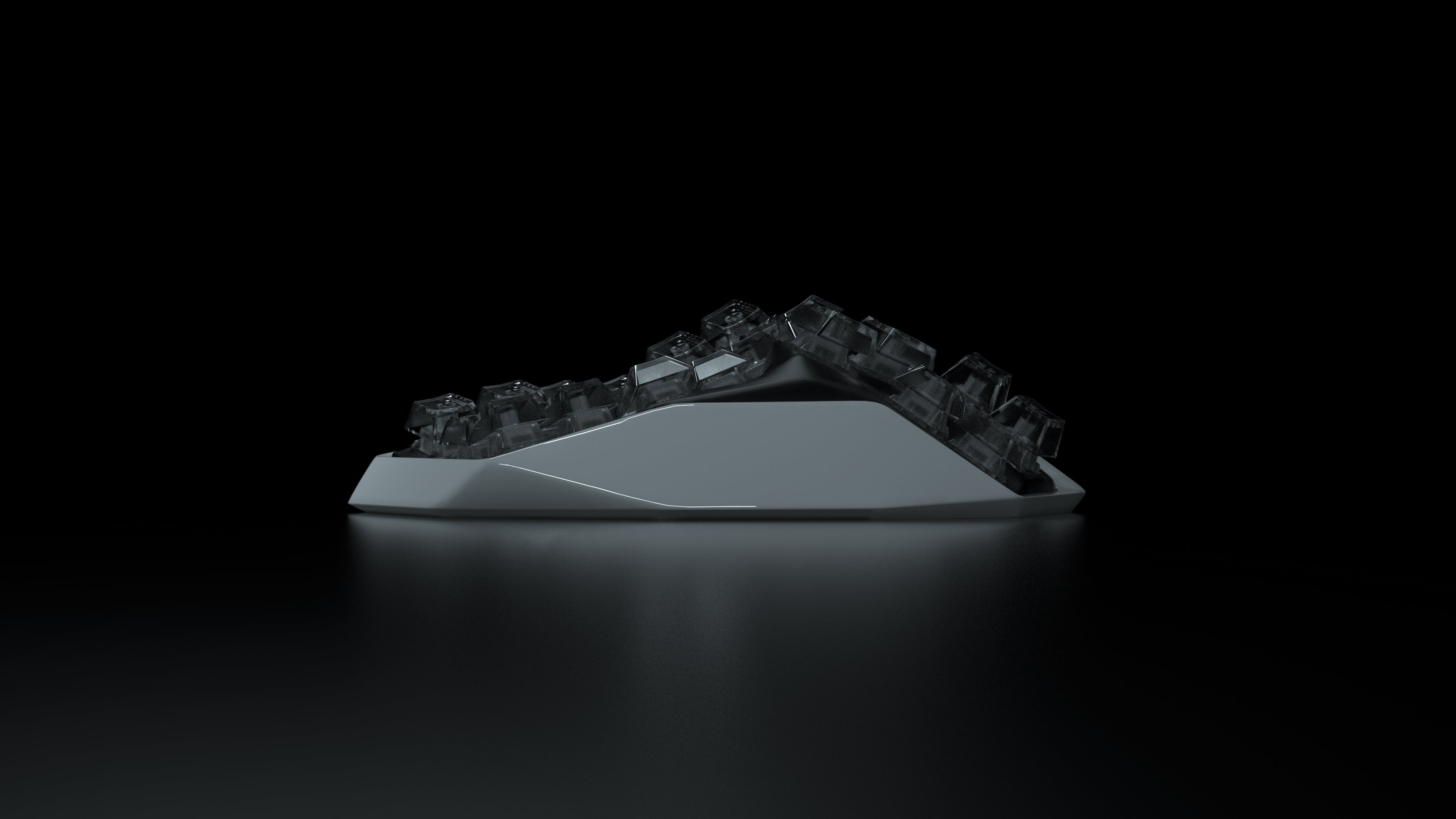
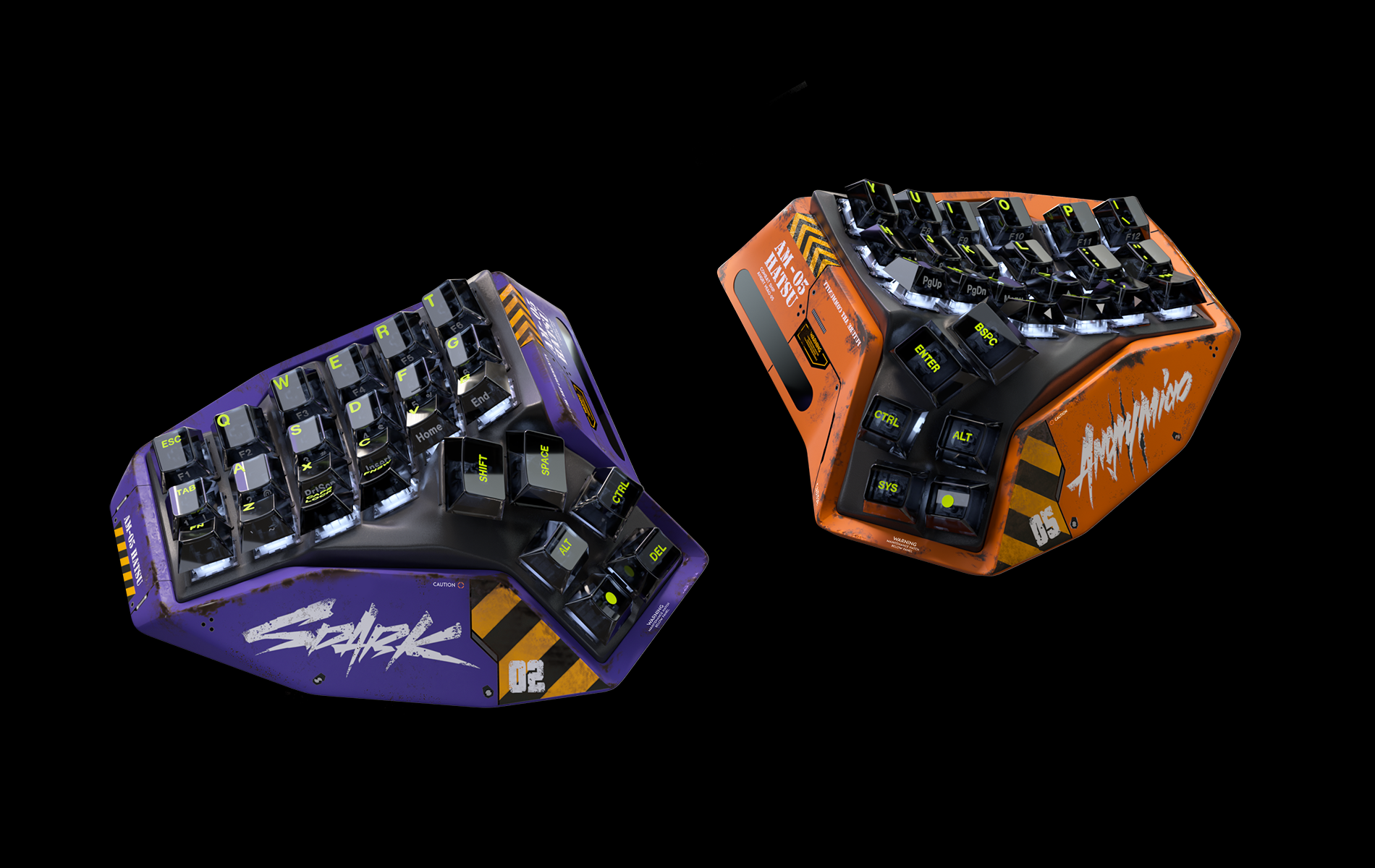
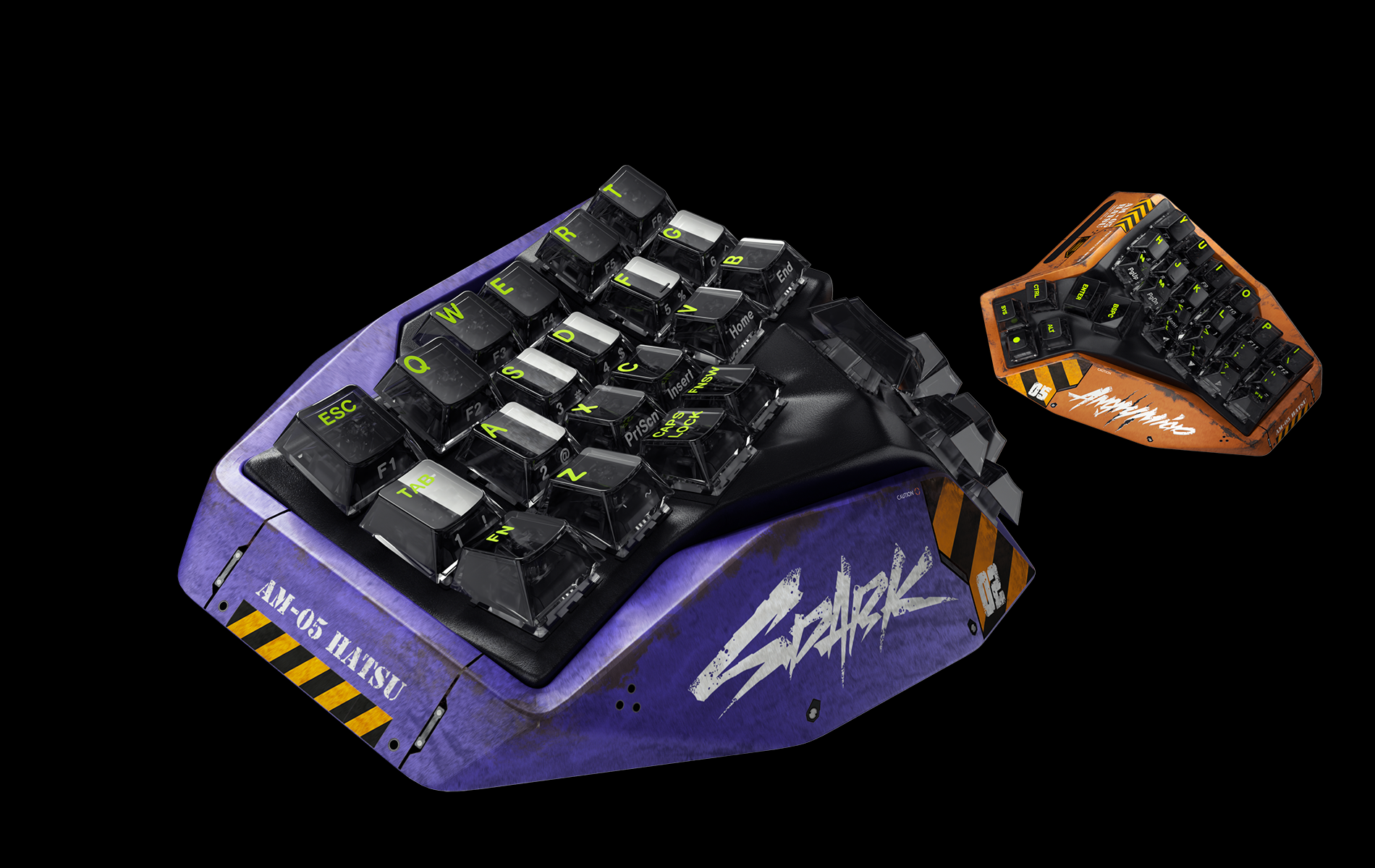
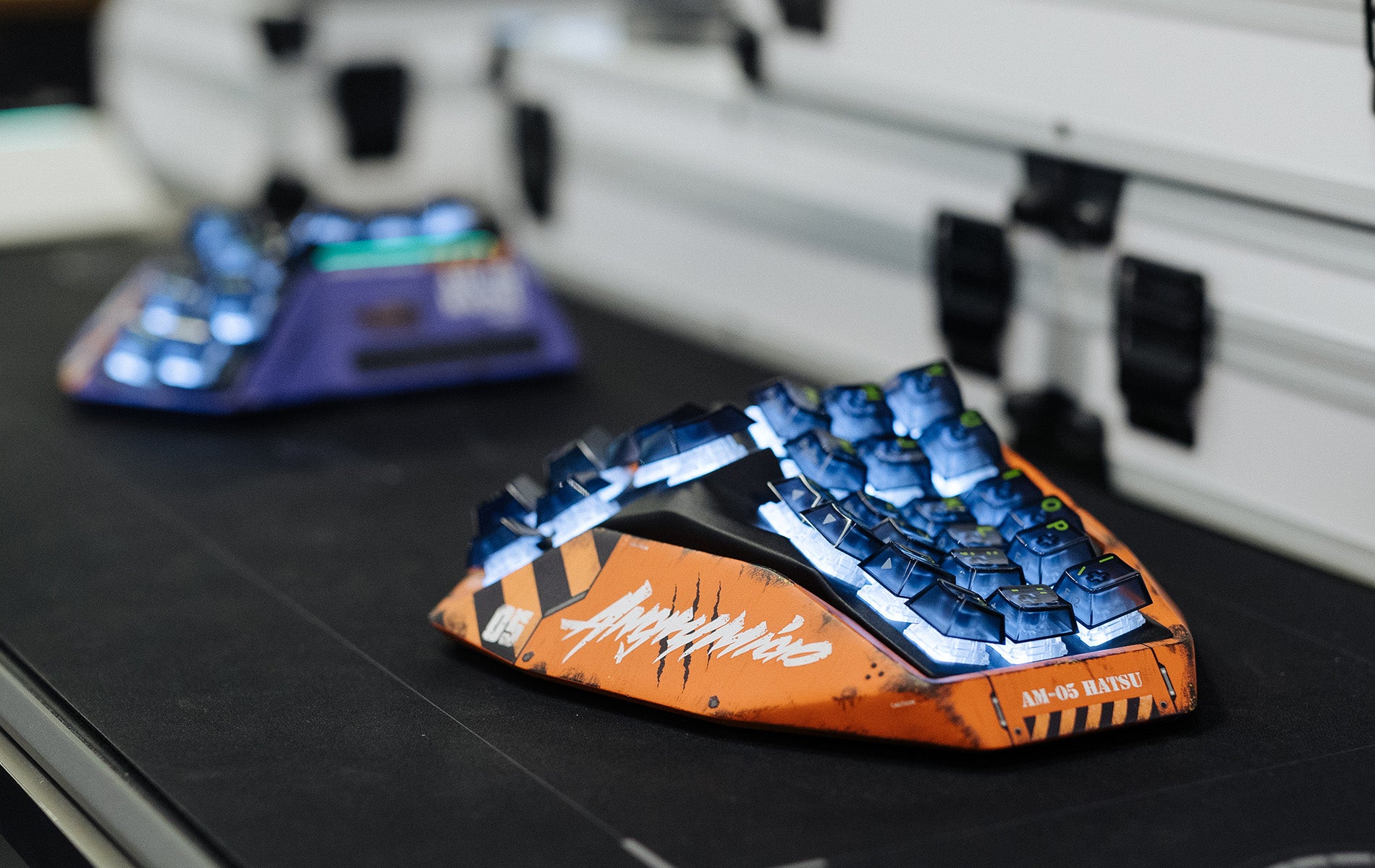
They can support a more natural typing posture when combined with a split, curved design, but comfort depends on the user and workstation setup. AM HATSU combines a 4×6 ortholinear layout with separated halves and a 3D-curved body to help reduce wrist rotation and shoulder crowding; it is not a medical treatment.
How long does it take to get used to an ortholinear keyboard?
Most users need an adjustment period because familiar keys sit in straighter columns and secondary functions move to layers. AM HATSU keeps a familiar letter layout, but its compact 4×6 design rewards gradual practice before switching to it for full-time work.
How do you access numbers, arrows, and shortcuts on a 45% keyboard?
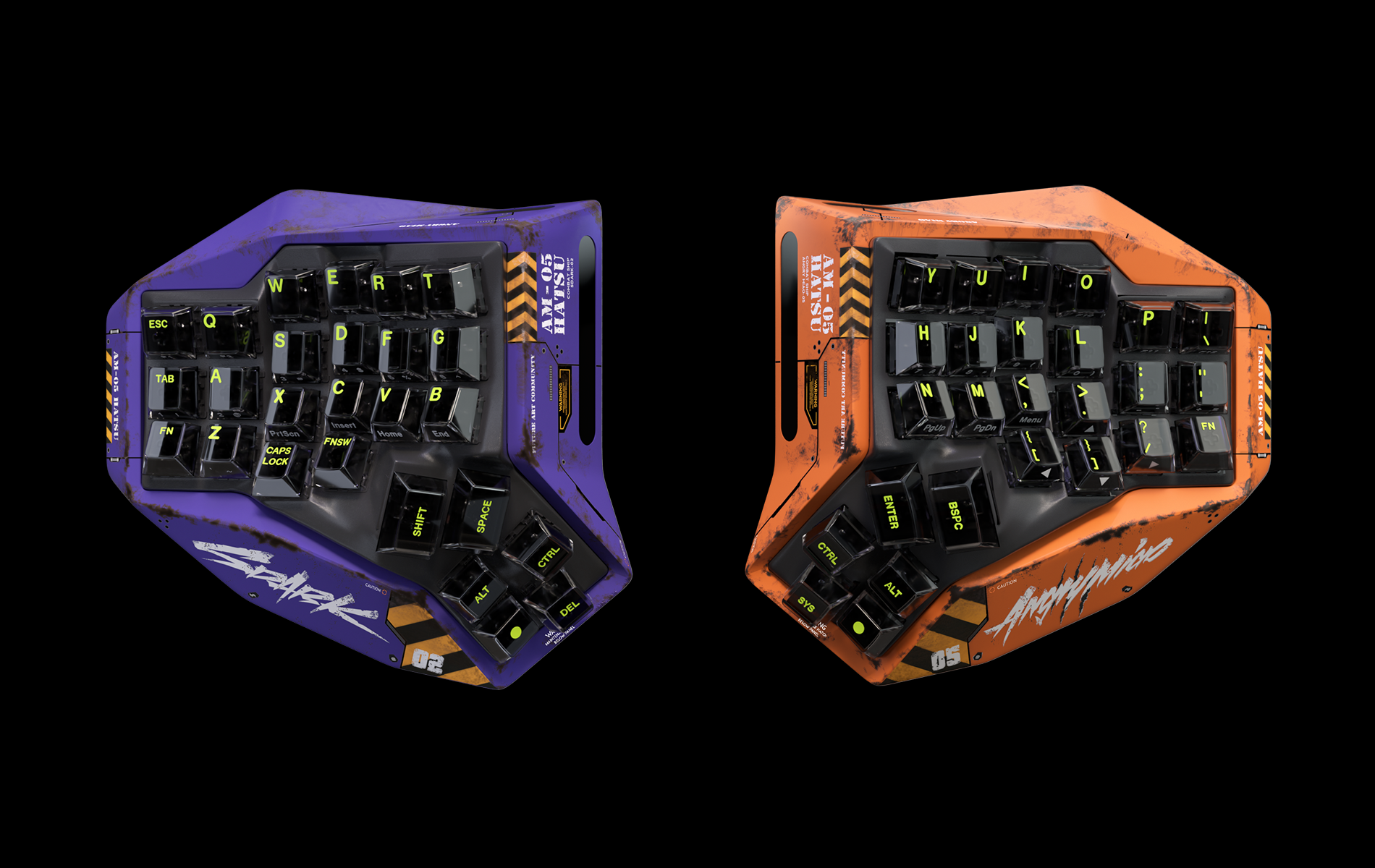
A 45% keyboard uses programmable layers and modifier keys to access numbers, arrows, media controls, and shortcuts. This keeps the board compact while allowing a full set of commands once the keymap is customized around your workflow.
Can a split ortholinear keyboard work wirelessly?
Yes. AM HATSU uses a wireless system designed to connect both keyboard halves and the input device while maintaining stable communication. This lets you position the two halves more naturally without running a cable between them.